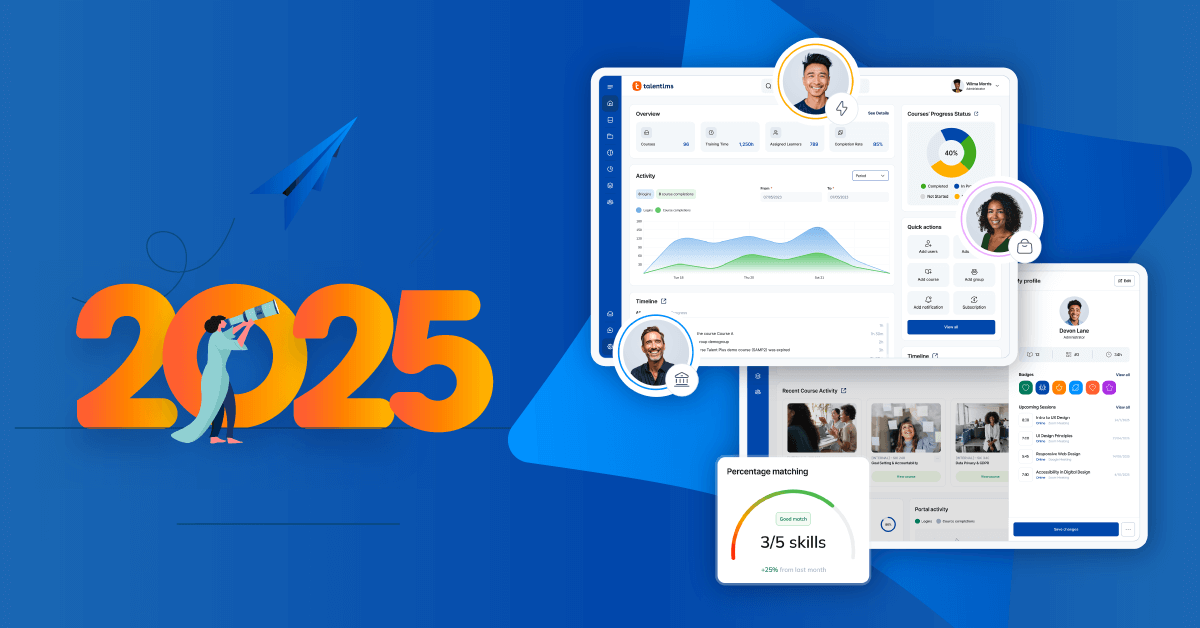


The latest TalentLMS update introduces several improvements designed to simplify training management and improve the learning experience.
Your training program keeps growing. More courses, more learners, more to manage. So why does the platform that’s supposed to help sometimes feel like one more thing on the list?
You’re not imagining it. Gallup found that 89% of CHROs say that time away from job responsibilities is the single biggest obstacle to L&D. The tools should be solving that, not adding to it.
TalentLMS 6.14 is here to fix that. Six updates, all designed to make training easier to build, manage, and access.
Here’s everything that’s new.
Smarter ways to structure your training
Think of a training program like a library. The books can be excellent, but if there’s no catalog and no clear path through the shelves, people wander.
Skills mapping and structured learning journeys are what turn a collection of courses into a program that truly develops people. This release improves both.
Skills redesign: AI skills-based training, improved
There’s something that makes any tool easier to use: consistency. When things work the same way across the board, you spend less time figuring out where to click and more time getting things done.
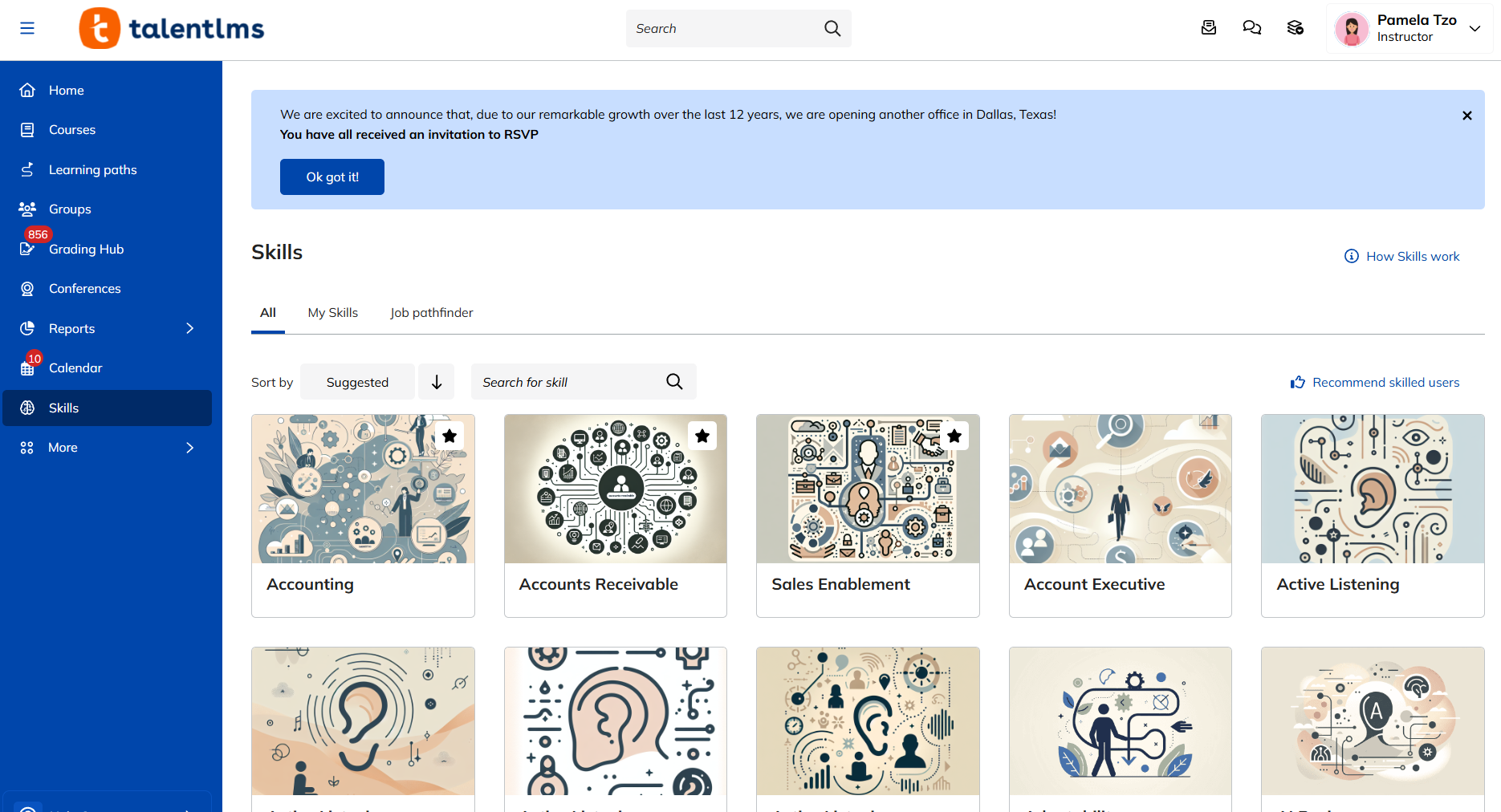
That’s the idea behind the Skills redesign. It now shares the same layout, flow, and logic as Courses. Same structure, same navigation. No switching gears, no learning curve.
A streamlined layout, simplified workflows, and fewer steps to get things done. Everything an admin or instructor needs, organized the way you’d expect it to be.
For teams shaping their employee training software strategy around skills, that smoothness makes a real difference. And the timing couldn’t be better. LinkedIn’s 2026 Workplace Learning Report found that 86% of organizations still can’t clearly see the skills their workforce has. Getting skills management right starts with making it easy enough that people actually use it.
*Available on Pro+ plans, new interface.
Learning Paths updates
Setting up training paths used to feel like planning a road trip where only one person gets to hold the map. Admins chose the route, assigned it, and hoped learners would follow without detours.
Now it works more like an open campus. Learners can browse Learning Paths on their own and self-enroll in the ones that match where they’re headed. Automatic enrollment rules let admins set the criteria once and let the system take it from there.
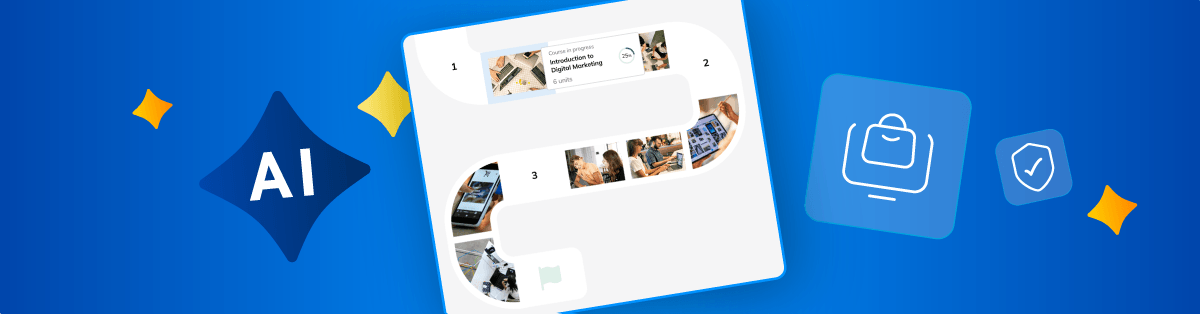
And a refreshed visual experience makes it easier for learners to see exactly where they are and what’s coming next. Learners see a visual overview of their path, with clear progress markers showing what they’ve completed, what’s next, and how far they have to go.
The result? Admins spend less time manually managing enrollment. Learners get clearer, more engaging journeys. And everyone stops wasting energy on logistics that should have been simple from the start.
Case Study: The Resident boosts engagement with Learning Paths
The Resident a UK hotel group, created a dedicated Learning Path for every role in the business. The result? Group engagement more than doubled in 12 months, audit scores climbed from 74% to 95%, and the program won a Training Excellence Award.
*Available on Grow (5 per portal) and Pro+ (unlimited) plans.
Faster course creation with AI
Here’s a familiar scenario. You have onboarding guides, compliance manuals, product docs, all sitting in shared drives. The knowledge is there. But turning it into something learners can actually take as a course? That’s the part that — on a good day — eats up the afternoon. Most days, it takes a lot longer than that.
It’s not just the writing. It’s the formatting, the structuring, and the back-and-forth between source material and course builder.
For teams with a dedicated instructional designer, it may be manageable. For everyone else—the people juggling course creation between a dozen other responsibilities—it’s one more thing that doesn’t fit into the day.
TalentLMS 6.14 offers a faster way in.
AI course creator: document import (now out of beta)
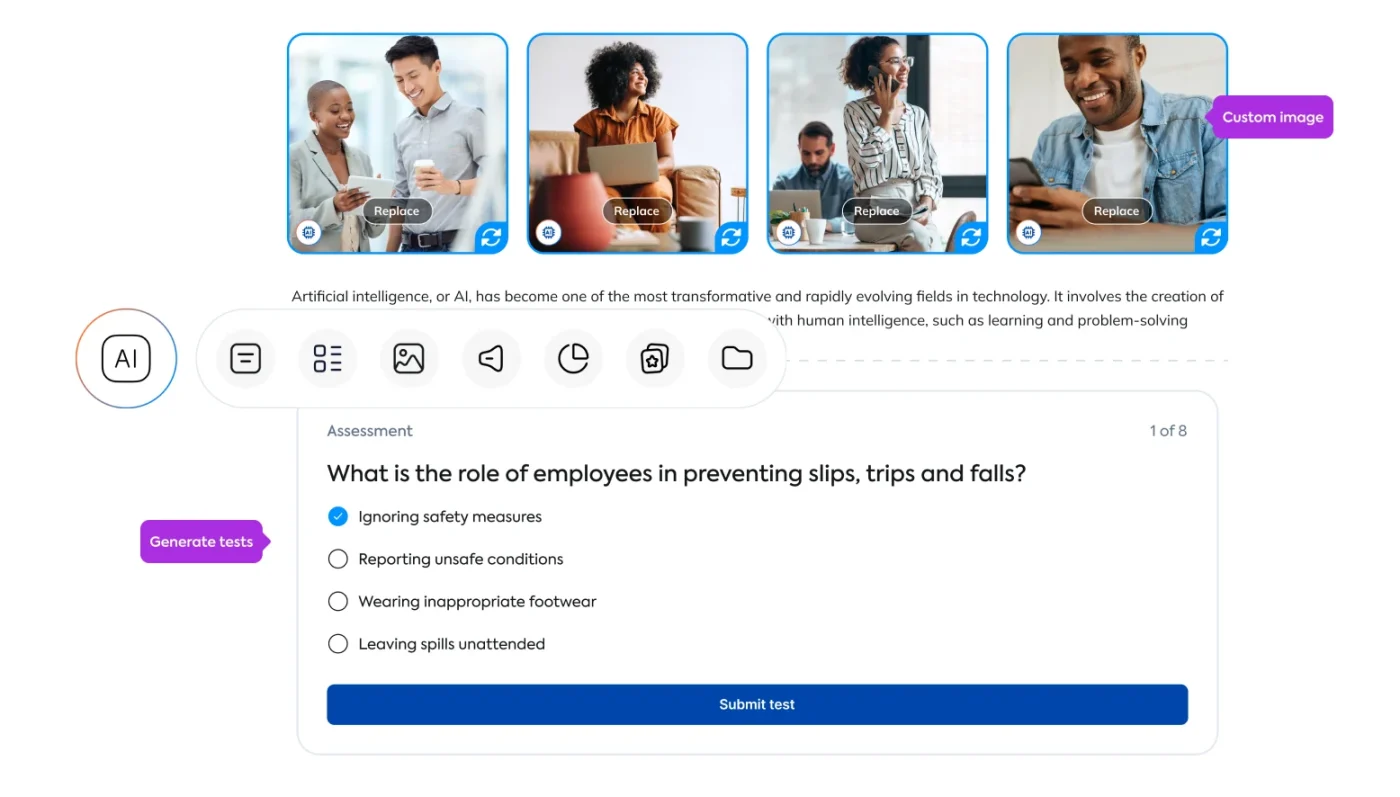
Think of it like handing a stack of notes to someone who organizes them into a lesson plan. TalentLMS’s AI course creator (TalentCraft) takes your existing documents—PDFs, .docx files, .pptx files—and transforms them into structured learning content. No rebuilding from scratch.
Upload a document and choose how you want it processed. Auto mode handles everything in seconds, giving you a ready-made structure right away. Custom mode puts you in control: set the page length, choose the language and writing style, and add specific instructions through prompting so the output matches exactly what your learners need.
No more letting useful materials sit in shared drives because nobody has the time to turn them into courses. Now, the content you already have becomes the fastest path to a finished course. And with the feature officially out of beta, the experience is more stable and reliable than ever.
*Available on all paid plans (credits apply), new interface.
A smoother and more secure platform
The bigger your training program gets, the more people interact with the platform every day. Admins, instructors, and learners—all navigating, creating, and completing. When that traffic grows, two things need to keep up: how easy the platform is to move through and how well it’s protected.
Sidebar redesign
Good navigation is like good lighting. You don’t think about it when it works, but you definitely notice when it doesn’t. And when admins, instructors, and learners all rely on the same platform every day, easy navigation isn’t a design detail. It’s what keeps everyone moving.
The refreshed sidebar covers the Course Store, Reports, and Account & Settings sections, with a cleaner layout, better readability, and improved accessibility. Same platform, same features. Just fewer moments of “Where was that again?”
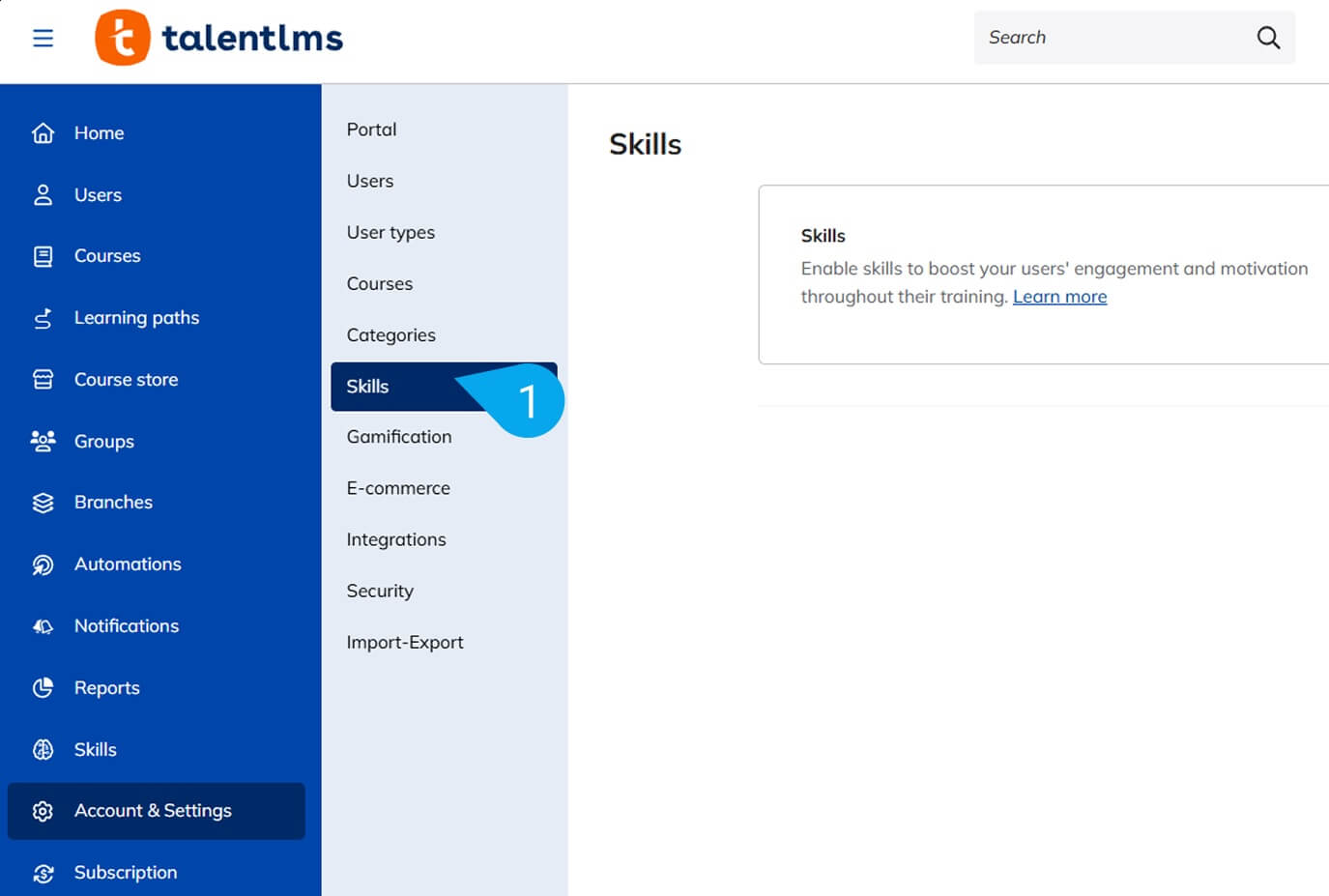
*Available on all plans, new interface.
Two-factor authentication expansion
It’s the difference between leaving the front door open and adding a deadbolt. Your data is only as safe as the login protecting it, and over 80% of hacking-related breaches trace back to weak or stolen passwords.
TalentLMS 6.14 gives organizations more ways to lock things down. Admins now set up mandatory 2FA using authenticator apps or email verification. Instructors and learners can also set up 2FA with authenticator app support, so you can enforce tighter security where it matters.
Research shows that multi-factor authentication can prevent up to 80–90% of cyberattacks. A small step for your users, a big one for your portal.
Available on all plans.
A learner experience that keeps people coming back
Effective training doesn’t just depend on what’s in the course. It depends on how easily someone can get to it. The more courses you offer, the harder it becomes for learners to find the ones that actually matter to them. And when finding the right content feels like a chore, engagement is the first thing to go.
Favorite Courses
Sometimes the simplest features make the biggest difference. Learners can now mark courses as favorites with a heart icon on course cards and filter their “My Training” view to see only what they’ve saved.
It’s a small thing that changes the daily experience. No more digging through a long catalog to find that one course they need to revisit. Just one click to save it, one filter to find it. It keeps learning going beyond a single session, and as learners bookmark what matters to them, they naturally start building a journey that’s all their own.
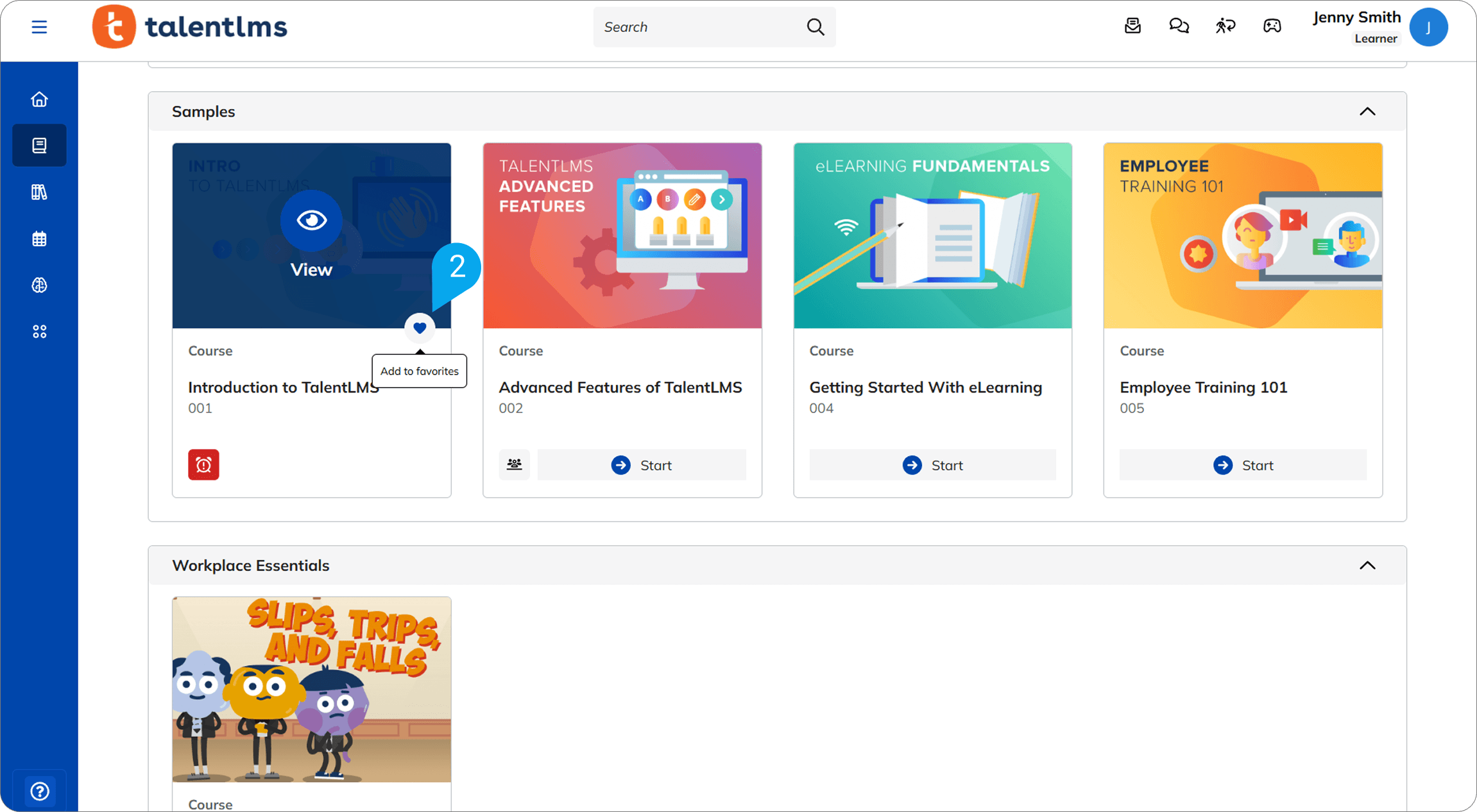
*Available on all plans.
Bringing it all together
TalentLMS 6.14 is about making every part of training work a little smoother. Not one big change, but six meaningful ones that touch the whole experience.
Here’s what that adds up to:
- Faster course creation: Turn existing documents into structured learning content in minutes
- Clearer learning journeys: Flexible learning paths that learners can explore on their own
- Easier skills management: A redesigned experience that works the way you’d expect
- Smoother navigation: A refreshed sidebar that helps everyone find what they need
- Stronger security: Expanded 2FA options that protect your portal without adding friction
- A more personal experience for learners: Bookmark courses and build a journey that fits
At the end of the day, that’s what a good update should do. Give you more time for the work that actually matters: helping people get better at what they do.
Ready to see what’s new? Get started free to explore the platform or get a demo tailored to your needs.
| Tags: LMS,TalentLMS product release