![The (Hidden) Costs of LMS Pricing: Your Complete Guide [2025]](https://www.talentlms.com/blog/wp-content/uploads/2025/12/LMS-Pricing_10February2025_Big.png)

Maybe this sounds or feels familiar?
You’re shopping for a new Learning Management System (LMS), drawn in by the promise of intuitive interfaces, engaging content, and a more effective learning experience.
You find one that ticks all the boxes, and then BAM! A list of unexpected fees and charges that makes your head spin.
Suddenly you’re spending more than you planned, and you’re locked in. It’s like ordering a simple coffee, only to be charged extra for the cup, the lid, and even the napkin.
In this guide, we’ll shine a light on those sneaky costs lurking in the shadows of LMS pricing. That way you can make informed decisions, avoid budget blowouts, and choose the learning management system that fits both your needs and your budget.
A quick guide to Learning Management System costs
LMS costs aren’t as straightforward as they look. There’s the subscription price, the extras that come up during the sales call, and the charges you don’t find out about until you’re already under contract. Here’s a breakdown of what you’re actually dealing with.
The most popular LMS pricing models
If you’re looking to invest in training software, it means you understand the benefits of an LMS. But in order to do so, you’ll need to understand the type of pricing that’s available.
In the learning management system world, vendors use different pricing models. Understanding these models is the first step to avoiding bill shock and ensuring you get the best value for your money.
Let’s dive into the most popular LMS pricing models you’re likely to encounter:
Pay per active user
The pay per active user model charges based on usage—meaning you only pay for users who log in and train during a billing cycle. This is ideal for organizations with a fluctuating learner base, ensuring you’re not paying for users who don’t engage.
Pay per course
Think of this model as an à la carte menu for learning. You pay for each course your employees select.
Pay per course can be ideal if you have a focused learning strategy or want to encourage employees to choose their own development path. However, costs can quickly mount if your team has a hearty appetite for learning or if you need to offer a wide range of courses for different roles and skill sets.
Pay per user
The pay per user model offers simplicity and predictability. Some LMSs charge a flat rate per registered user, regardless of activity.
This ensures all users have ongoing access but may be less cost-effective for organizations with fluctuating training needs.
Pay-as-you-go
The pay-as-you-go model is all about flexibility and paying only for what you consume. It’s like a pay-as-you-go phone plan for your learning needs.
However, this model requires careful monitoring and analysis of your usage patterns to avoid unexpected costs. It’s like keeping a close eye on your data usage to avoid exceeding your allowance and incurring extra charges.
Tiered pricing
A tiered pricing model offers a range of LMS pricing packages with varying features and user limits, much like choosing between economy, business, and first-class flights.
Tiered pricing offers different packages with varying features, user limits, and support levels. This allows you to scale your training program based on your needs and budget.
Subscription (fixed or flexible plans)
A subscription model provides consistent access to the learning management system, typically billed monthly or annually. Many vendors offer flexible pricing plans that scale with your organization’s needs.
Be sure to read the fine print regarding contract length and cancellation policies to avoid getting locked into a long-term commitment that no longer serves your purpose.
Enterprise or custom pricing
This model offers a bespoke LMS pricing structure tailored to your specific needs and requirements. It’s like having a suit made to measure—it fits perfectly but often comes at a premium price.
This can be a good option for large organizations with complex needs, but it requires careful negotiation and a clear understanding of your requirements. Be prepared to invest time in discussions with the vendor to ensure you get the best possible deal.
Free
Yes, you read that right. Some LMS platforms offer a free version with basic features, often aimed at private users or small businesses.
However, free versions could come with limitations, such as restricted features, limited storage, or advertising.
Consider these limitations carefully to determine if a free LMS can truly meet your needs in the long-term.
Open source
Open-source LMS platforms provide access to the source code.
Think of open-source LMS platforms as a set of Lego bricks. You have the freedom to assemble them in countless ways, creating a structure that perfectly matches your needs.
However, this requires technical expertise and may involve additional costs for hosting, support, and customization.
If you have the technical know-how and desire for complete control over your learning environment, open source could be the perfect building block for your L&D strategy.
Multi-platform and bundle pricing
If your team has different learning needs—or you’re managing HR alongside training—buying separate tools from separate vendors adds up fast: separate subscriptions, separate support teams, separate billing cycles, separate logins. It gets messy.
That’s where bundle pricing comes in. When one vendor covers more than one need, you get:
- A lower combined cost than buying each tool on its own
- One support team instead of three
- One renewal instead of several
A quick example: Say your office team needs structured courses, while your field team needs quick refreshers they can pull up on their phone between tasks. That’s two learning formats. Buying two unrelated platforms means double the admin, double the cost, and double the headaches.
Or say you’re already running training programs through an LMS and handling time off, reviews, and onboarding paperwork through a separate HR tool. If the same vendor offers both, bundling them simplifies your stack and your budget.
TalentLMS offers two bundles worth looking at:
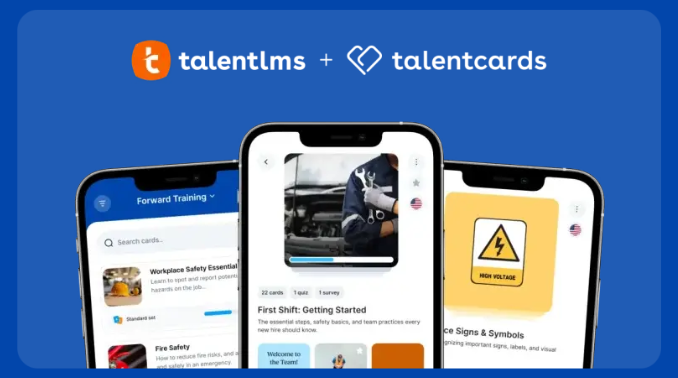
TalentLMS + TalentCards:
Use TalentLMS for structured training courses, certifications, and learning paths. Pair it with TalentCards for mobile-first microlearning your team can access from any device. Two platforms, each built for a different learning context, from the same vendor. Get a demo of the TalentCards bundle →
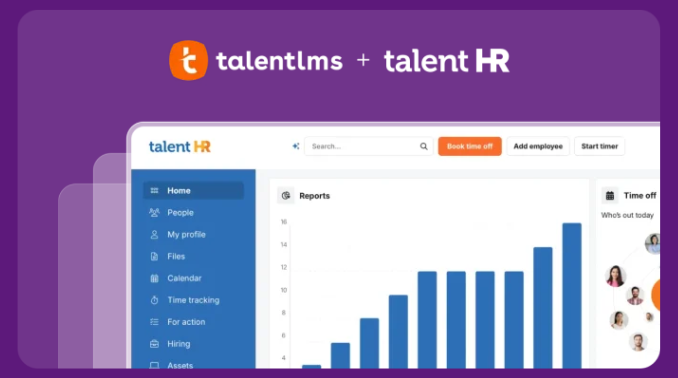
TalentLMS + TalentHR:
Run your training in TalentLMS and handle time off, performance reviews, and onboarding paperwork in TalentHR. One vendor, one relationship, two platforms covering training and HR without the admin overhead of juggling separate tools. Get a demo of the TalentHR bundle →
The hidden costs of LMSs
We’ve covered the pricing models. Now for the costs that don’t show up on the pricing page—the ones you discover during the sales call, in the contract, or on your first invoice.
When we dug into the top LMS vendors, comparing what they charge, include, and quietly leave out, we found these below-the-line costs can push your total anywhere from around 100% to over 300% above the initial quote.
Implementation fees
Imagine buying a car and getting hit with a “tire inflation fee.” Absurd—yet many LMS providers charge thousands just to get you set up.
In our research, setup fees ran from around €2,000 to over €7,000: one platform charges €7,000–€8,000 for an 8-week implementation, another around $5,000 for a 12-week onboarding.
With some exceptions (like TalentLMS, which sets up easily with no setup fee), implementation runs 6–12 weeks, and the charges are usually mandatory, not optional—adding cost and delaying your launch.
Before you commit, ask exactly what onboarding costs and how long it takes.
Migration fees
Switching LMSs is like moving house—everything has to be packed up, moved, and unpacked in the right place.
Moving your existing courses, user data, and completion records isn’t always free: some vendors charge by data volume, others set a flat fee, depending on complexity and the support you need. Ask any potential vendor about their migration process and what it costs.
Hosting costs
Going open-source or self-hosted? The platform may be free, but hosting, server maintenance, and security are on you—and on your budget. Factor in the infrastructure and the technical staff to run it before you call it the “cheap” option.
Long contracts
Some providers lock you into two- or three-year terms—several require 36 months as standard, with no walking away even if the platform underdelivers. Review the terms against your long-term L&D strategy before signing. The most flexible option is a subscription with no multi-year lock-in, where a longer deal is available only if it genuinely works for your team.
White-labeling fees
Many teams want the LMS to reflect their brand—but some vendors charge extra for it, like paying the tailor to remove the shop’s label from a suit you just bought. In our research, white-labeling ran from a one-time €2,500–€3,000 to around €250/month ongoing, and custom-branded mobile apps reached around $10,000.
TalentLMS includes white-labeling and customization at no extra cost.
AI features fees
AI features can be valuable, but look past the hype to the pricing—obvious and hidden. Access often sits behind a higher tier or comes with usage-based fees (per AI-generated item or per user), plus possible integration costs and specialists to set it up.
Some vendors also ration it: one allowed just 5 people on the entire account to use its AI course builder, another capped it at 2 seats, and a third limited the number of prompts you could run.
Support fees
Some vendors charge extra for support — per-incident, hourly, or in tiered packages—which leaves you stranded the moment you hit a problem. We found one charging around €450–€500/month for premium support and another around €2,000 for an “essential” package and around €10,000 for “advanced” technical support. Always ask what support and ongoing maintenance actually cost.
Integration fees
Connecting your LMS to your HR system or CRM is a must-have, not a nice-to-have — yet some vendors charge extra even for simple integrations. One platform charged around $3,000–$4,000 just for a Salesforce connection; another added 10% of the entire subscription for the same thing. Content libraries like Go1 can run from around €1,000 to over €2,000 on top.
Before choosing an LMS, look for vendors that include integrations as standard — with TalentLMS, for example, most are included in all plans.
Advanced analytics fees
That “robust reporting” usually covers completion rates and quiz scores. But when you need to prove the ROI of a leadership program or pinpoint where learners drop off in a compliance module, that’s “advanced analytics” — and often where hidden pricing lurks.
Before you sign, ask to see examples of the exact reports you’ll need, what the limitations are, and what a higher tier really costs per year.
Delays in the process
In L&D, time is money—and LMS delays add up. Slow implementation, content migration, customization, and waiting on support all mean lost time. The bigger cost is productivity: employees can’t access the training they need, which stalls product launches and market responses. Delays in mandatory training can even create compliance risks and fines, and a frustrating rollout damages morale and learning engagement.
Protect yourself with thorough vendor vetting—agree to detailed timelines upfront and know your recourse if they slip.
Compliance training licenses
Some Learning Management Systems charge separately for compliance training content. If your team needs compliance training (and let’s be honest, most teams do), this becomes a significant addition on top of your base LMS pricing that nobody mentioned during the demo.
Additional fees per portal
If you need separate training portals for different audiences (say, one for customers, one for partners, and one for your internal team), some LMS platforms charge you every time you add one.
One vendor charges around €400 per month for each additional branch. That’s an extra €4,800 a year for just one more portal. Serve three different audiences with different training programs, and those numbers start stacking up in a hurry.
TalentLMS includes Branches so you can run multiple training portals from a single account.
LMS pricing packages based on your budget
Now you know how LMS pricing works, where the extra charges hide, and what to watch for. So what should you actually expect to spend?
There’s no one-size-fits-all answer. The market is packed with LMS solutions built for different team sizes, industries, and budgets. Generally, the bigger the organization, the higher the price tag—but not always. Some platforms deliver real sophistication without the complexity or the budget that makes your finance team nervous.
Low-cost option: LMS budget up to $6,000/year
This is where most small and mid-sized teams start. Expect core LMS features and support for a moderate number of users. These are platforms that get you up and running fast without a buying process that takes longer than the training itself.
TalentLMS (Core & Grow plan)
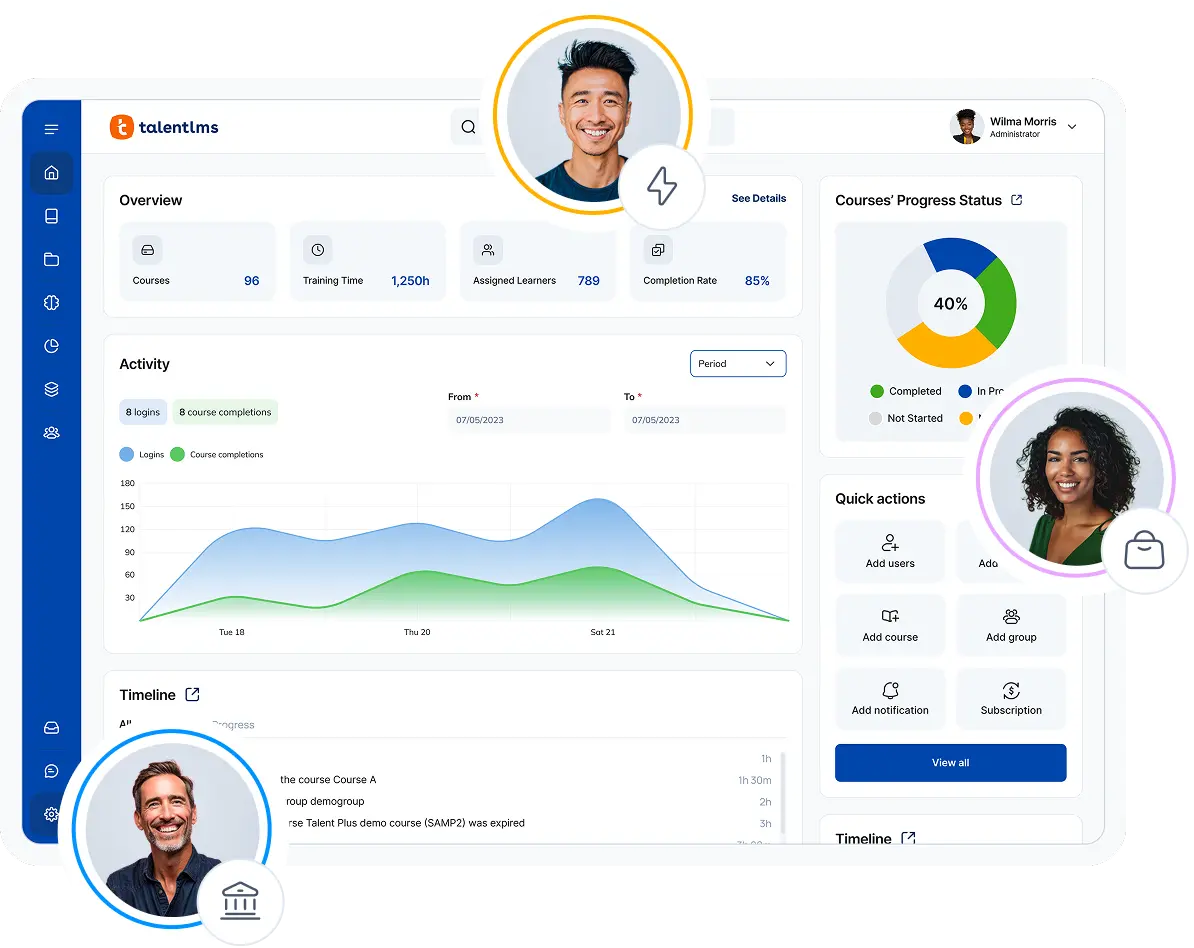
TalentLMS keeps things transparent: Core covers the essentials—unlimited courses, AI-powered course creation through TalentCraft, and unlimited email support. Grow is for bigger teams and adds custom reports, analytics, learning paths, and AI test creation for teams that need deeper tracking as they scale.
Subscription-based: Yes
Billing contract: Monthly or annually
Pricing: Core from $119/month, Grow from $229/month
Lock-in contracts: No
Extra fees: No (no implementation fees)
Canvas
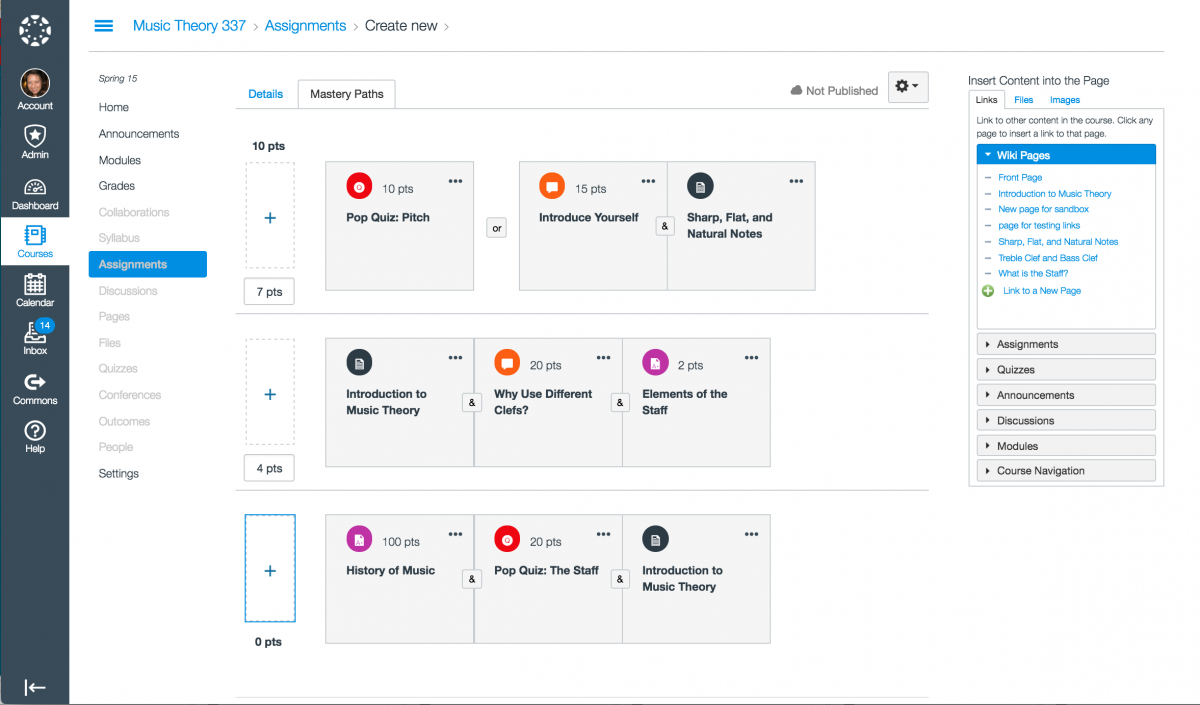
Canvas by Instructure grew up in education and is moving into corporate training, offered either as a free open-source version you host yourself or a paid hosted plan with support included.
Subscription-based: Yes (hosted plan); open-source version is free to self-host
Billing contract: Annually (hosted)
Pricing: Free open-source version; no public pricing for the hosted plan (sources claim around $25 per student)
Lock-in contracts: No
Extra fees: Yes (hosting and maintenance if you self-host)
Moodle
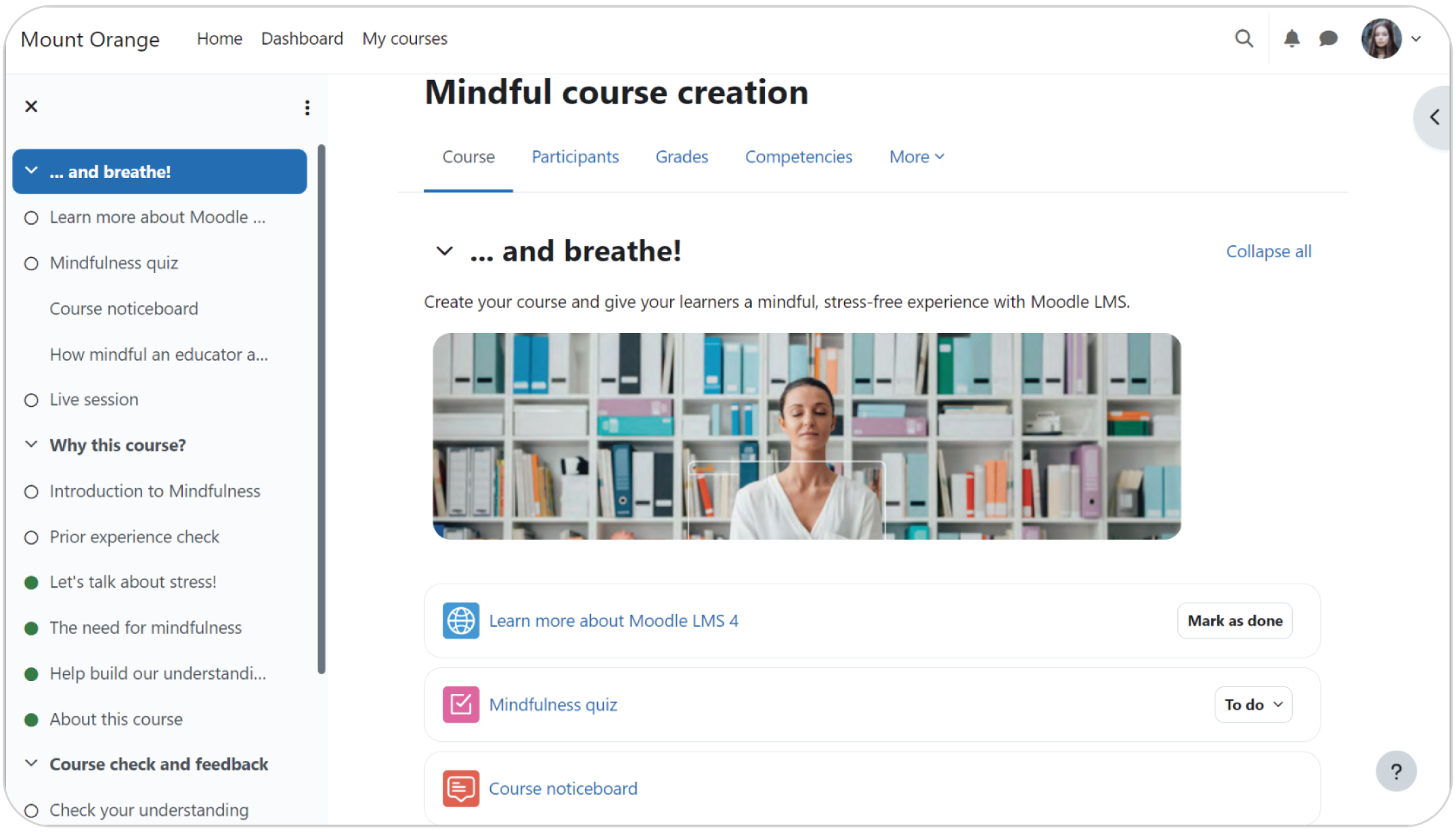
Moodle is an open-source Learning Management System popular with teams that have the technical resources to host and customize it themselves; MoodleCloud offers a managed alternative for those who don’t.
Subscription based: No for self-hosted (free); Yes for MoodleCloud
Billing contract: Monthly or annually (MoodleCloud)
Pricing: Self-hosted platform is free; sources claim MoodleCloud starts around $200/year for up to 50 users
Lock-in contracts: No
Extra fees: Yes (hosting, maintenance, plugins, and migration if you self-host)
LearnWorlds
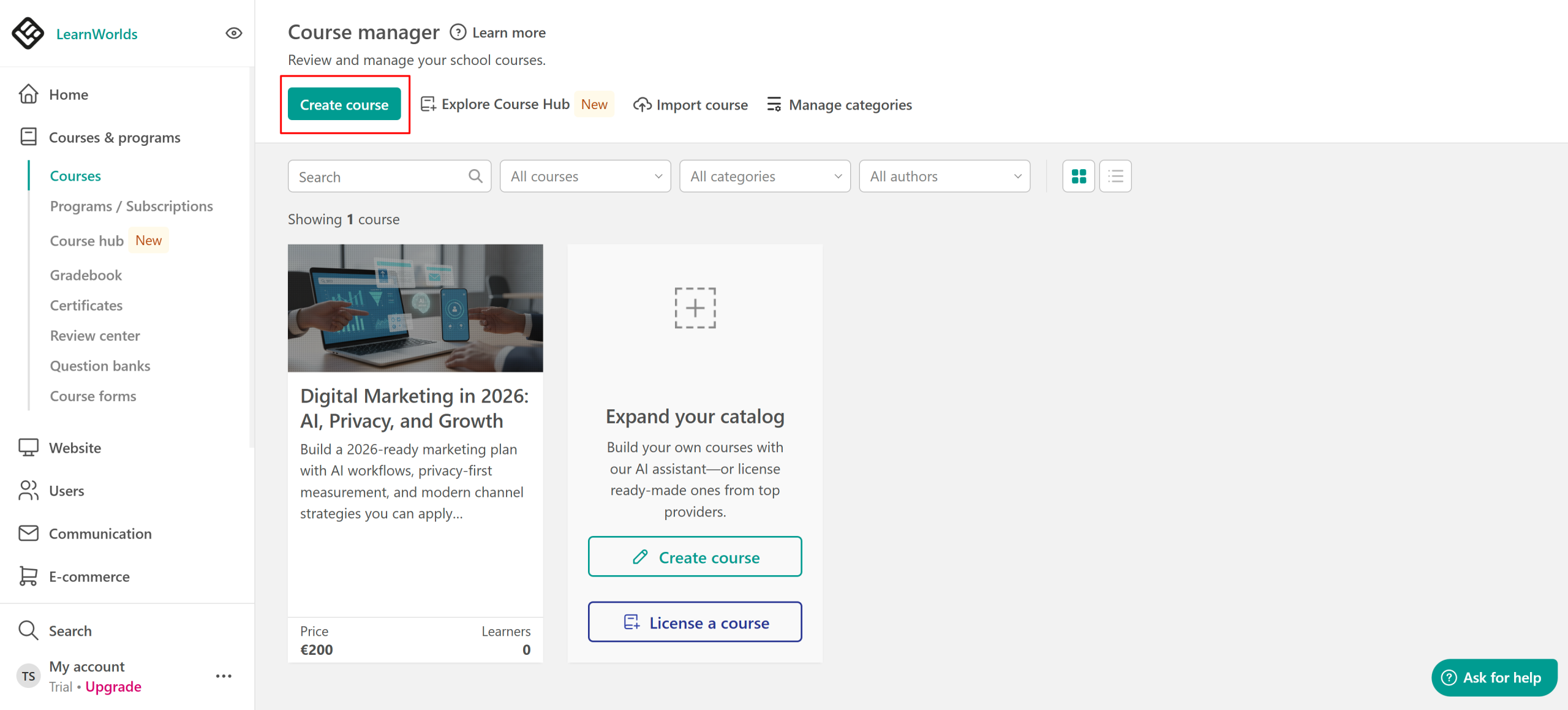
LearnWorlds is built around course creators and small businesses, with a feature set geared toward selling and branding online courses.
Subscription-based: Yes (admin-based — unlimited learners, limited admin seats)
Billing contract: Monthly or annually
Pricing: Plans start at $24/month (billed annually)
Lock-in contracts: No
Extra fees: Yes (a $5 per course enrollment fee on the entry plan, plus paid add-ons like white-labeling and extra branches)
See more on the most affordable LMS solutions here.
Mid-cost option: LMS budget between $6,000 and $15,000/year
This is where LMS platforms get quite powerful and where the pricing gets harder to read at a glance. Mid-tier vendors offer advanced features, deeper integrations, and dedicated technical support, but it’s also the tier where more of the cost sits below the subscription line.
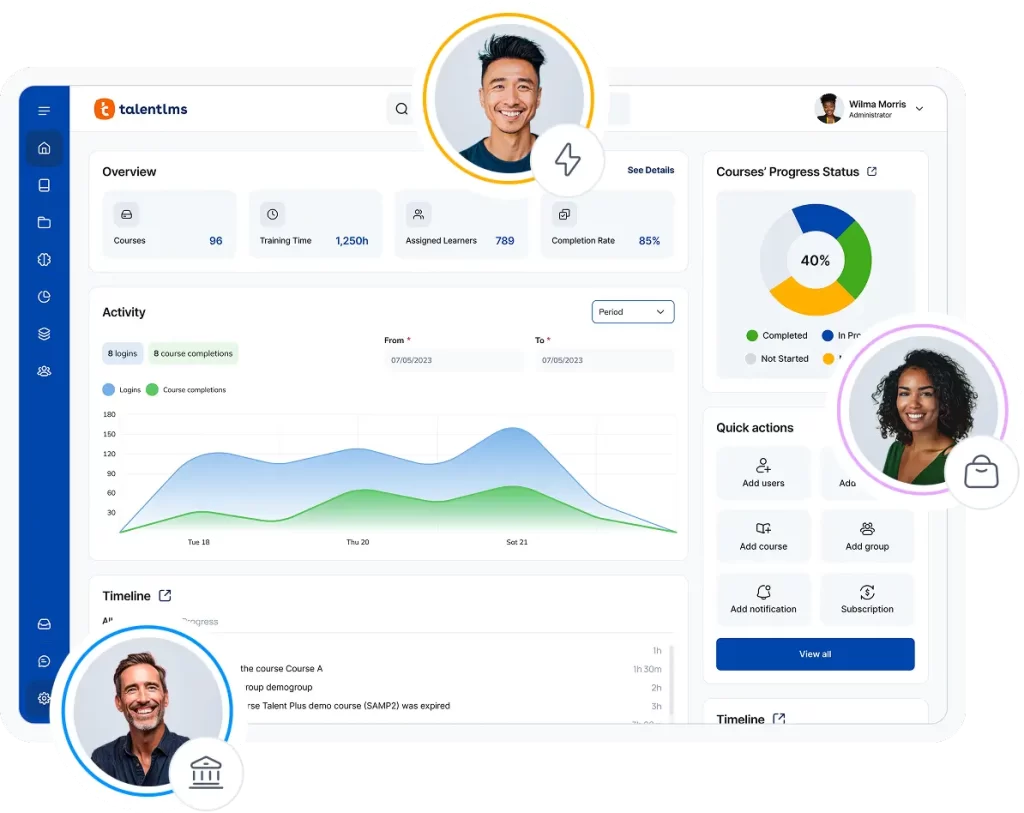
TalentLMS (Pro & custom plan)
Pro is where TalentLMS scales for bigger, more complex needs, adding Group Supervisor for delegated management, automations, full white-labeling, and AI beyond course creation (AI Coach, Skills, course translation).
TalentLMS also has an Enterprise (custom) plan that takes your training even further. Unlimited branches, dedicated account managers, and phone support are just some of the highlights. For more information, contact us here.
Subscription-based: Yes
Billing contract: Monthly or annually
Pricing: Pro from $449/month
Lock-in contracts: No
Extra fees: No (no implementation fees)
LearnUpon
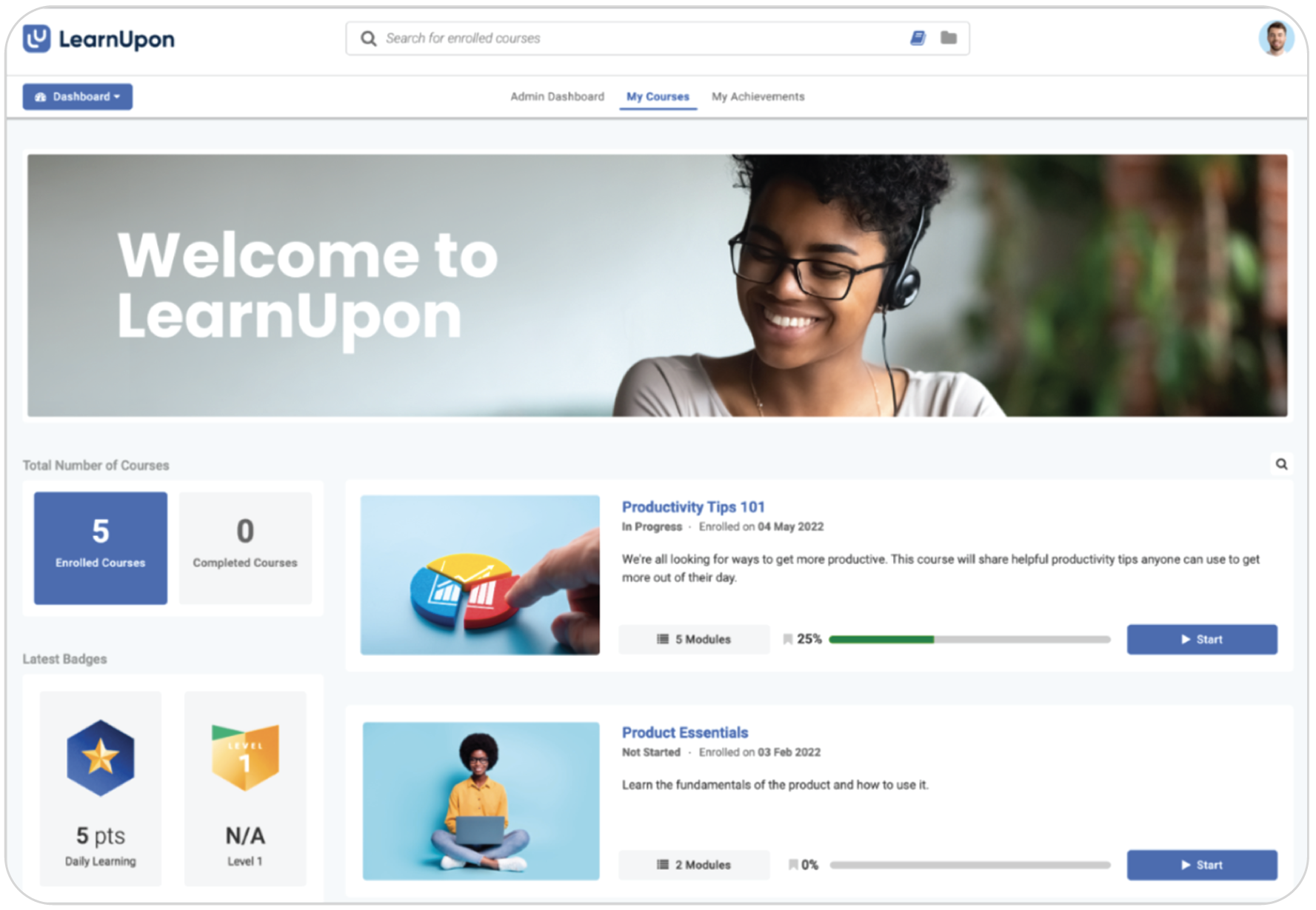
LearnUpon is a corporate training LMS aimed at employee, customer, and partner training, with a fit for teams that need structured sub-portals and compliance-ready workflows.
Subscription-based: Yes
Billing contract: Multi-year term
Pricing: No public pricing—sources claim around $10,000–$15,000/year
Lock-in contracts: Yes (sources claim 36-month)
Extra fees: Yes—sources claim implementation (around $5,000 over a ~12-week setup), the Salesforce integration, and content add-ons sit outside the base plan; AI authoring (Courseau) is limited to 2 licenses.
360Learning
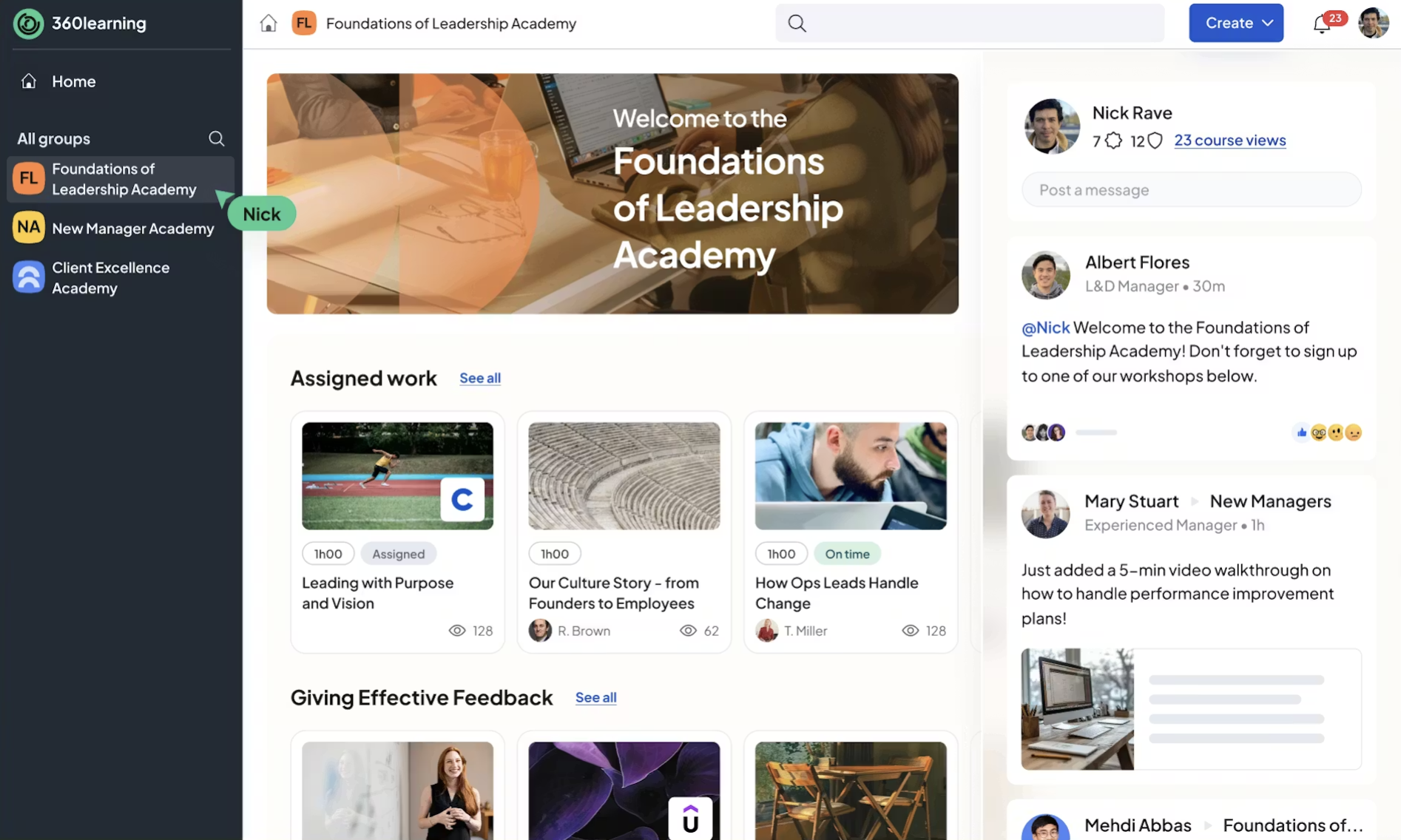
360Learning is built around collaborative, peer-to-peer learning, where employees create and share courses with each other rather than relying on a central L&D team.
Subscription-based: Yes (per active user)
Billing contract: Multi-year term
Pricing: No public pricing—sources claim around $8 per user/month
Lock-in contracts: Yes (sources claim 36-month)
Extra fees: Yes—sources claim implementation (around €7,500 over a ~8-week setup), tiered support packages, and the Go1 content integration are priced separately
Absorb LMS
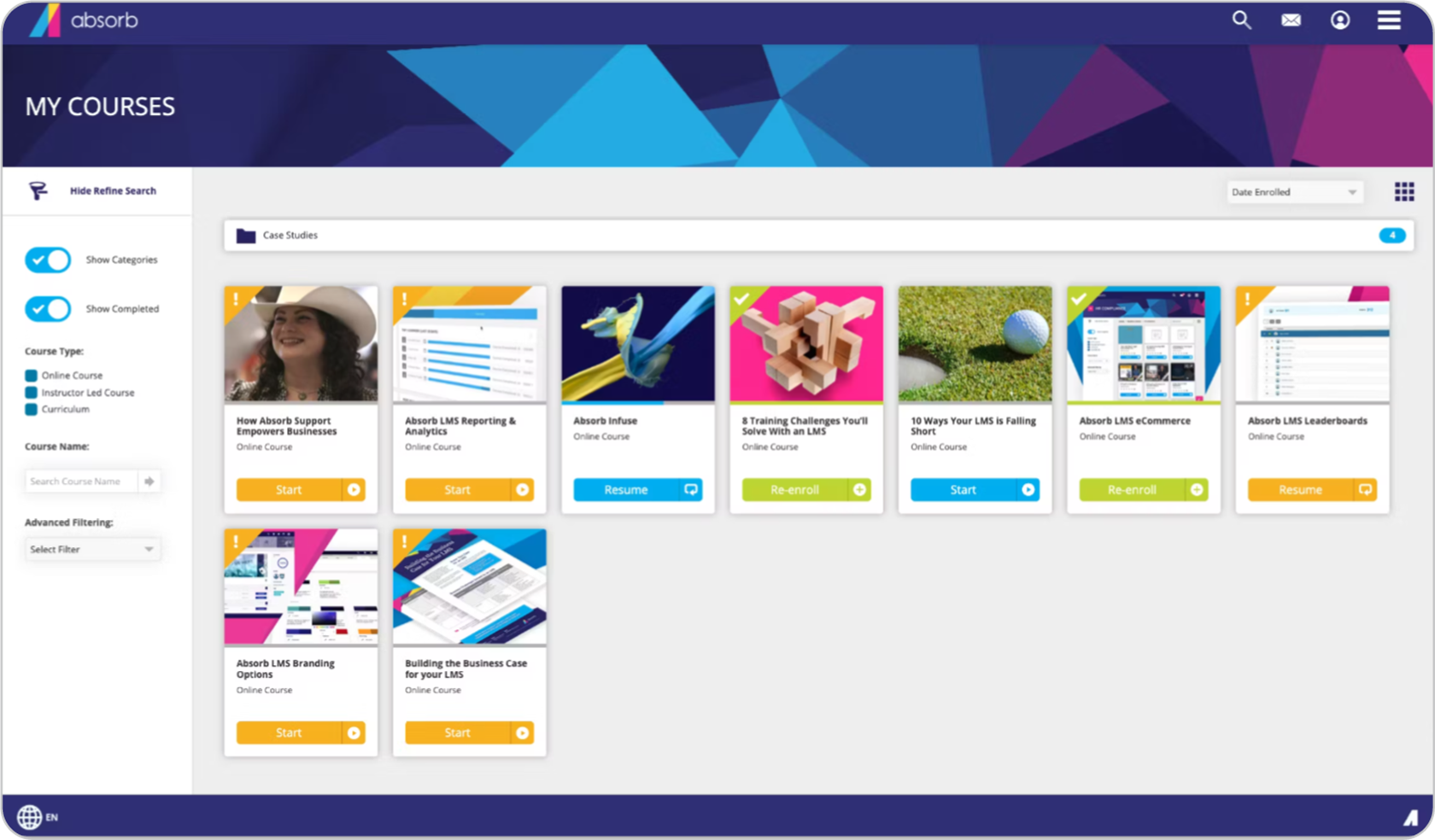
Absorb LMS targets mid-to-large teams, with an emphasis on a polished admin and learner experience alongside strong AI and reporting.
Subscription-based: Yes (per active user)
Billing contract: Multi-year term
Pricing: No public pricing
Lock-in contracts: Yes (sources claim 36-month; shorter 12/24-month options at a premium)
Extra fees: Yes—sources claim implementation (around €4,300 over a ~8-week setup) and premium support (Elite, around €465/month) are add-ons; AI authoring limited to 5 licenses.
iSpring
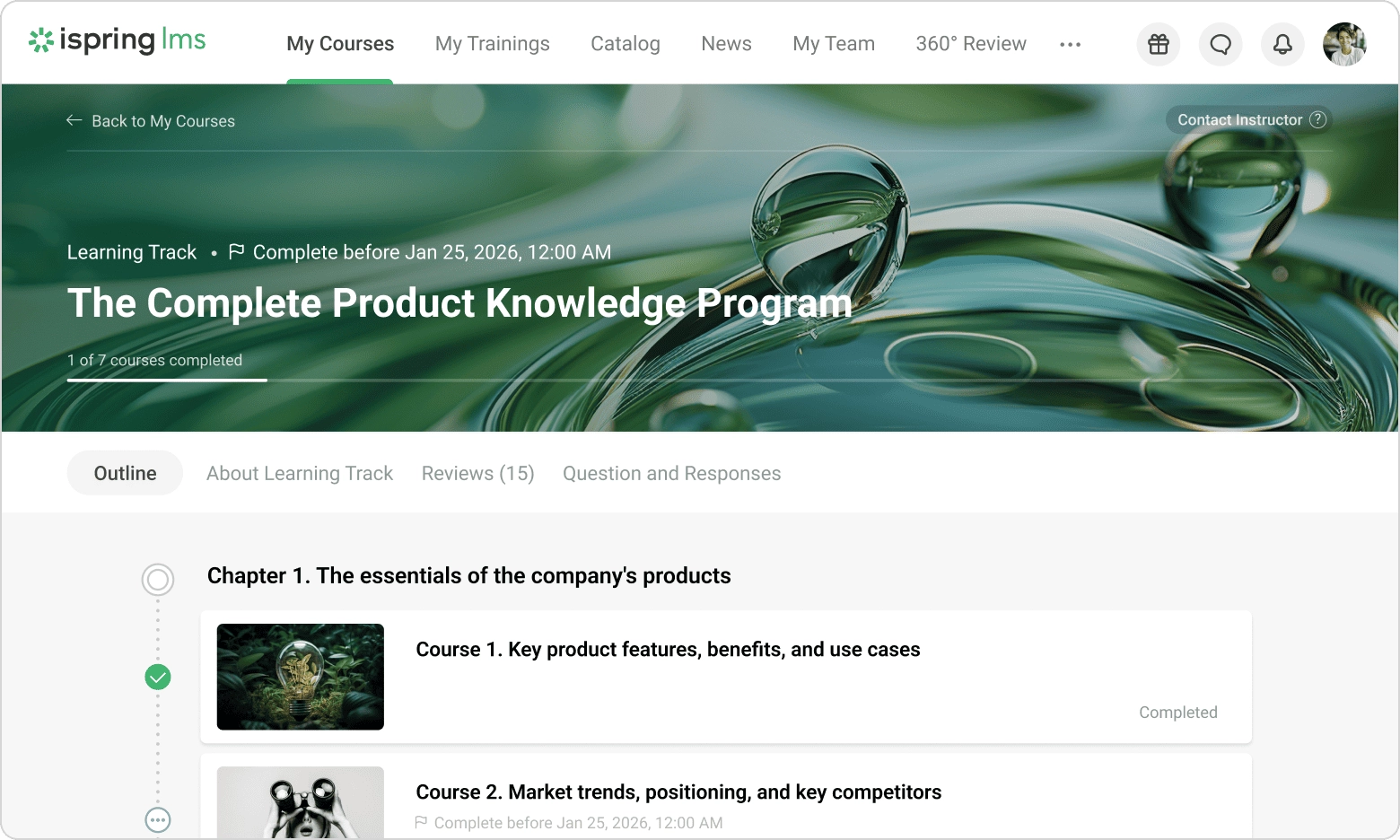
iSpring pairs a straightforward LMS with iSpring’s well-regarded authoring tools, making it a fit for teams that build a lot of their own content. If you’re evaluating similar platforms, compare the best iSpring LMS alternatives before making a decision.
Subscription-based: Yes (per active user)
Billing contract: Annually
Pricing: No public pricing—sources claim around $3.50–$4.50 per user/month, with the per-seat rate dropping toward the lower end as your user count grows
Lock-in contracts: No
Extra fees: Yes—sources claim the content library adds around +15%, the Salesforce and BambooHR integrations around +10% each, and user-cap overages apply; implementation included.
High-cost option: LMS budget $15,000+/year
This is large-scale enterprise territory: customization, dedicated account teams, and support for effectively unlimited users across multiple portals and regions.
It might sound a little like the mid-cost tier, but these platforms genuinely go further: deeper integrations with legacy HR and ERP systems, multi-region compliance, and customization built for scale. That capability is real—and so is what comes attached to it: multi-year contracts, months-long mandatory implementation, and upfront costs that add tens of thousands to your first-year bill.
Why so expensive? These systems are built for organizations with tens of thousands of employees, strict compliance requirements across multiple countries, and deep integrations with legacy HR and ERP systems.
As we said, the capability is real; the question is whether your organization needs all of it, since comparable enterprise features are available elsewhere without the same lock-in and setup overhead.
Docebo
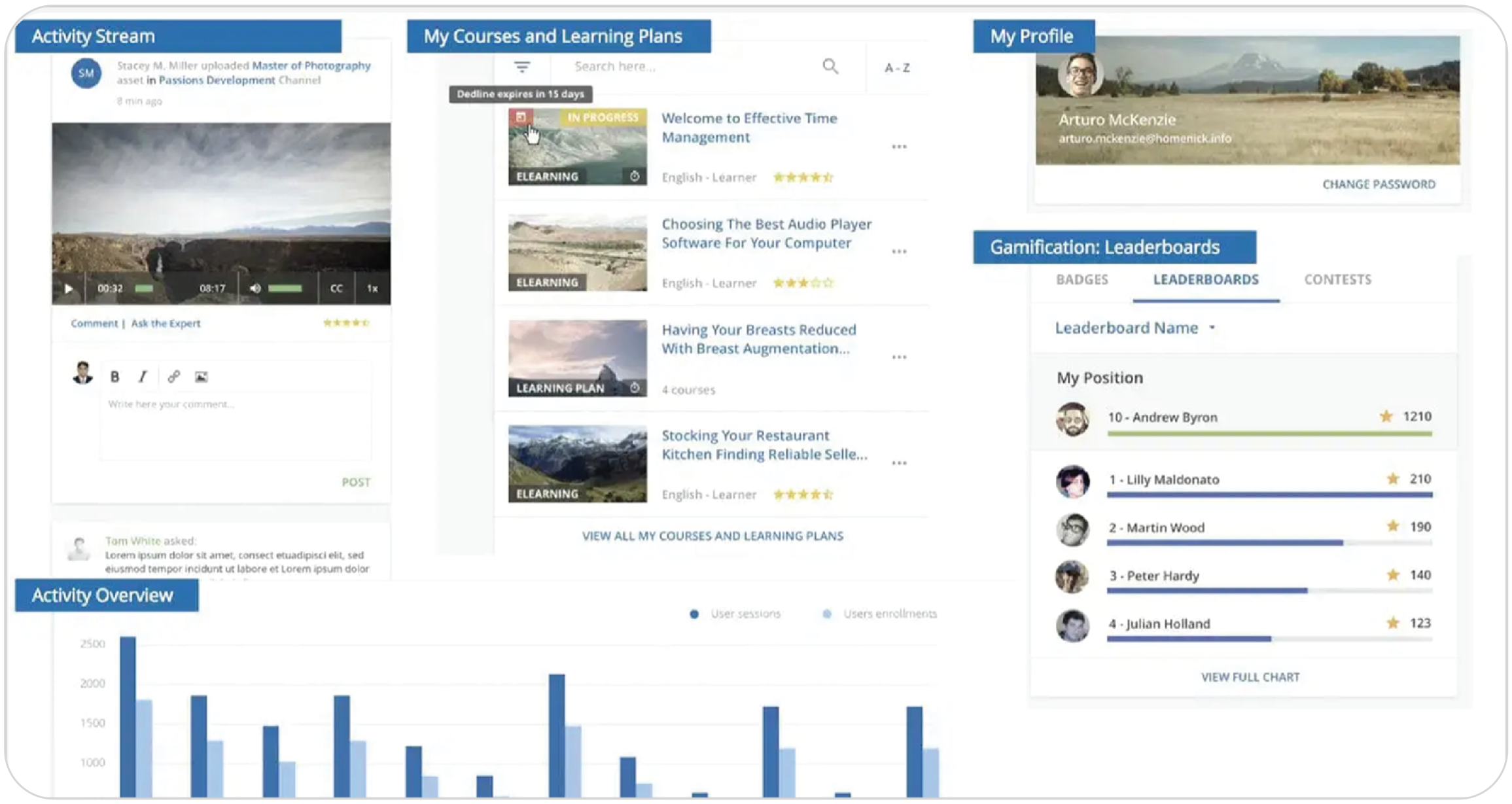
Docebo is built for enterprise clients, leaning into AI-powered learning, a content marketplace, and extensive customization.
Subscription-based: Yes
Billing contract: Multi-year term
Pricing: No public pricing—sources claim entry around $25,000/year
Lock-in contracts: Yes
Extra fees: Yes (implementation, integrations, and support tiers priced separately)
Blackboard Learn
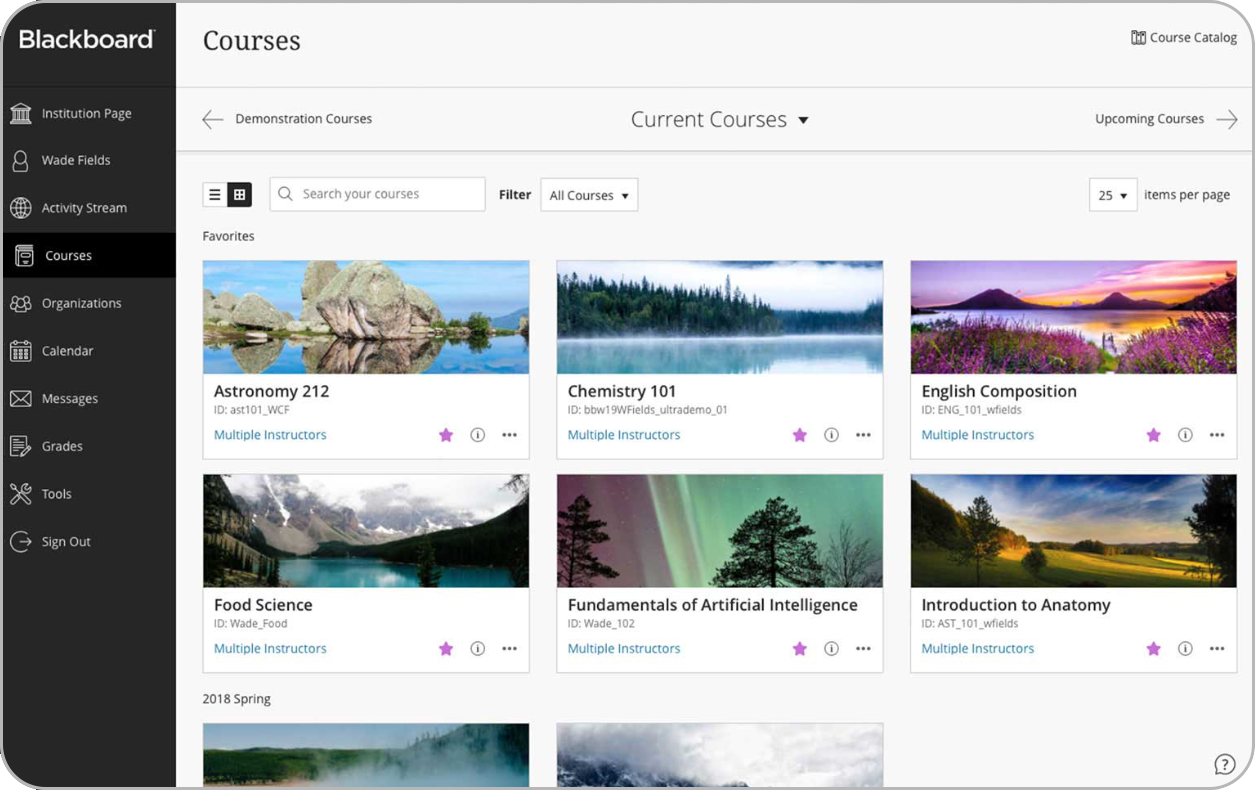
Blackboard Learn by Anthology comes from higher education and now also serves large corporate training programs, with rollouts run as structured, hands-on projects.
Subscription-based: Yes
Billing contract: Multi-year term
Pricing: No public pricing—sources claim around $100,000+/year for mid-to-large institutions
Lock-in contracts: Yes
Extra fees: Yes (implementation run by dedicated project teams)
SAP Litmos
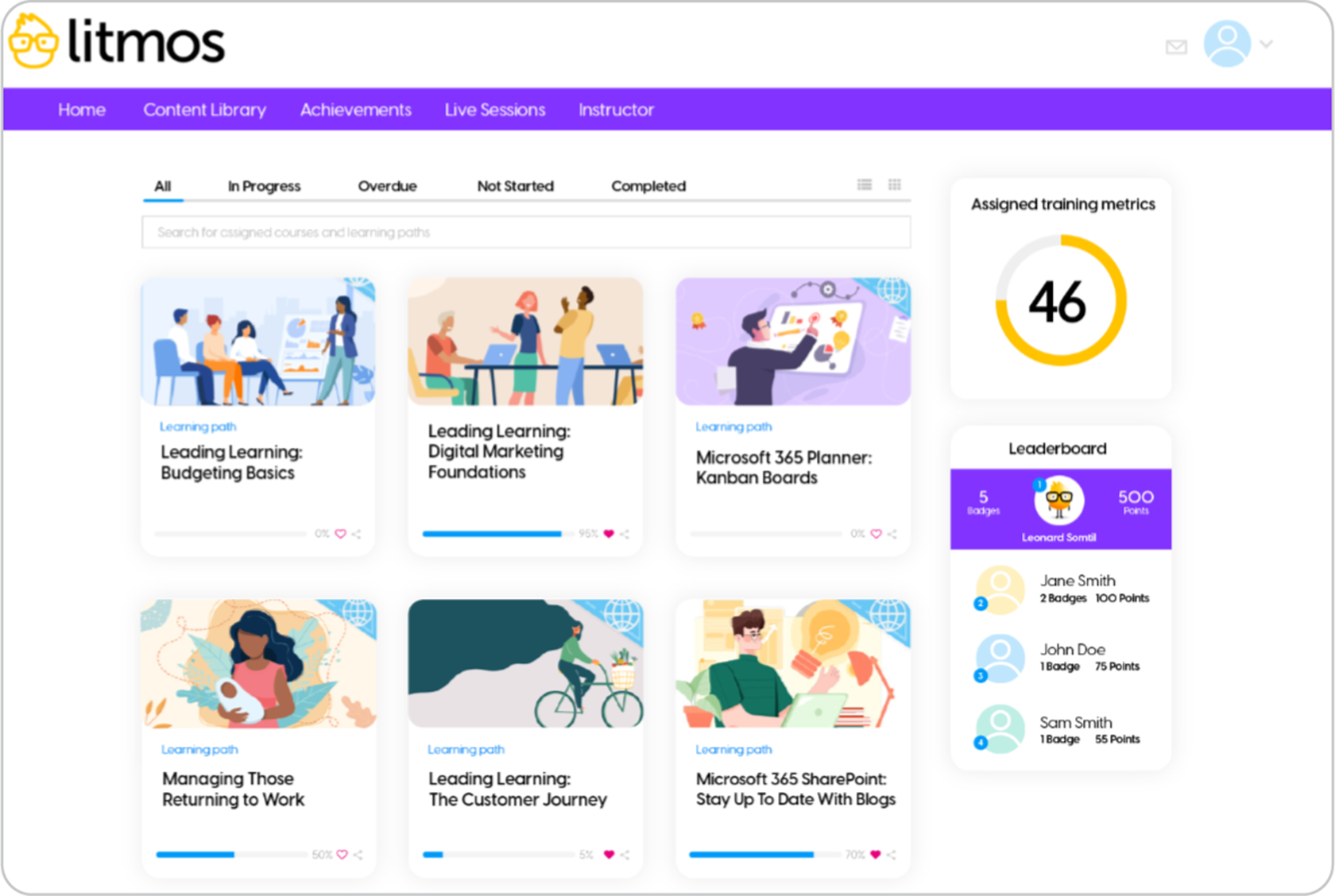
SAP Litmos is geared toward compliance training and global rollouts, and its main draw is native integration with SAP SuccessFactors and the wider SAP ecosystem.
Subscription-based: Yes
Billing contract: Multi-year term
Pricing: No public pricing
Lock-in contracts: Yes
Extra fees: Yes (implementation; integration scope varies by setup)
Cornerstone OnDemand
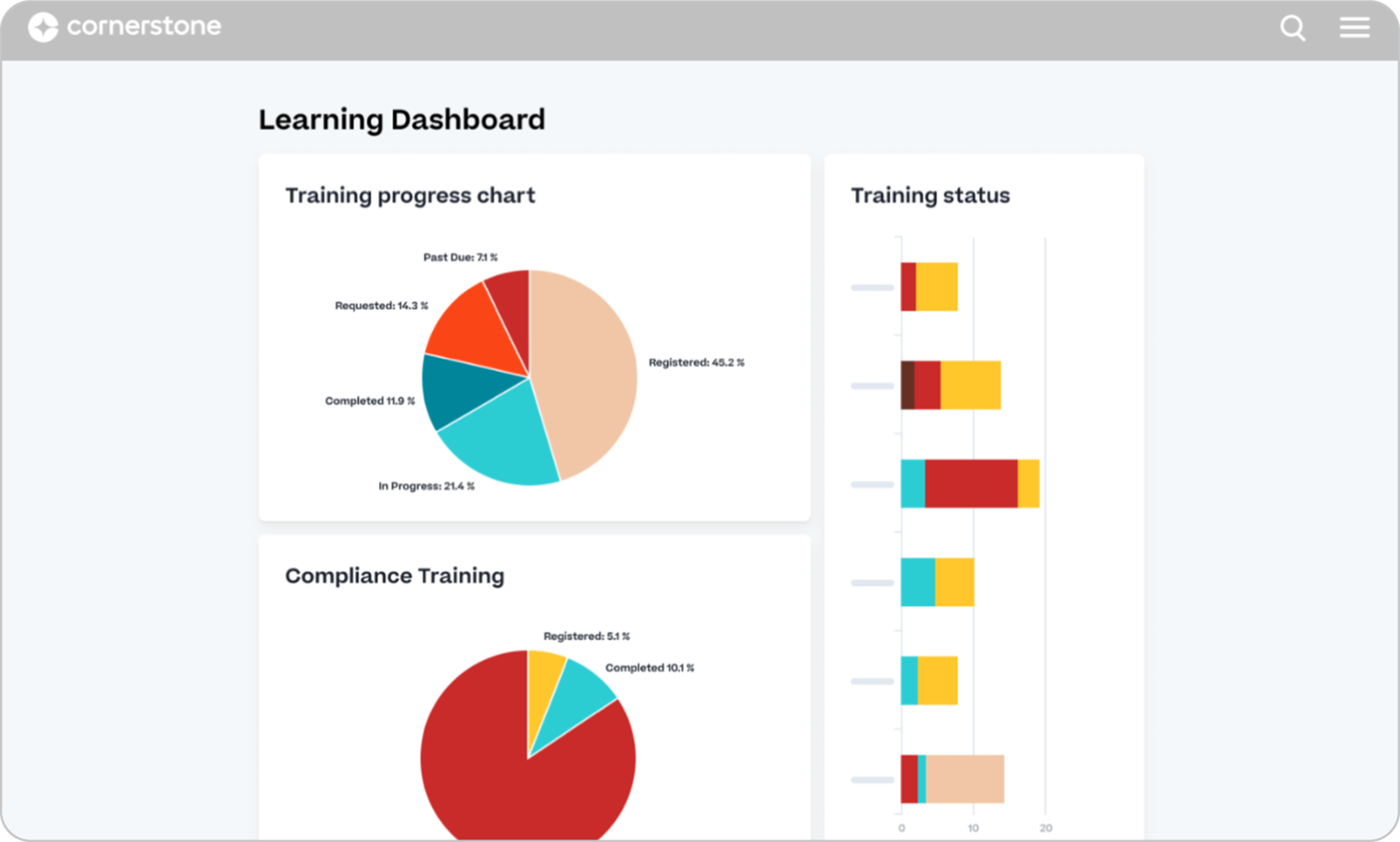
Cornerstone OnDemand spans learning, performance, recruitment, and workforce planning, so you’re buying a broad talent suite rather than a single training tool. Built for organizations with 5,000+ employees and complex compliance training needs across multiple regions.
Subscription-based: Yes
Billing contract: Multi-year term
Pricing: No public pricing—sources claim it typically runs into six figures annually
Lock-in contracts: Yes
Extra fees: Yes (implementation, integrations, and support across a multi-function suite)
6 tips for choosing the best LMS pricing model
As you can see from our breakdown of the hidden costs of an LMS, not all are created equal.
To help you better distinguish which LMS fits your budget, needs, and team, let’s walk through six tips.
Get a free trial or free account
Think of a free LMS trial as your “try before you buy” buffet. It’s your chance to load up your plate with your content, invite your users to the table, and see if the system is a feast or a famine before you sign any contracts.
This is your secret weapon against bad LMS pricing models.
That “intuitive” interface the salesperson raved about? You can see if it’s actually intuitive, or if it requires a PhD in computer science to navigate.
Those “essential” features? You can check if they’re included in the price you were quoted, or if they’re locked away in some “Ultimate Platinum Enterprise Plus” tier.
So, how do you make the most of your free trial or account? Don’t just browse. Instead:
- Build your first course — either from scratch or by uploading your existing materials.
- Add or import users — Add them to groups, assign them to a course, or learning path.
- Try the AI features — see how it helps you create content, what learning assistants are built in, and how it tailors training to your people.
- View training as a learner — check what you’ve built from your learners’ perspective.
- Don’t be afraid to break things — the more you stress-test the system now, the less stress you’ll have later.
Book a demo
A demo is your guided tour of the LMS, led by the vendor. It’s less hands-on than a free trial, but it’s a valuable opportunity to see the LMS in action and tailored to your needs.
To make the most of a demo, be prepared to get involved and pay attention to the details. Don’t be afraid to interrupt and ask for clarification.
Observe how the presenter navigates the system—is it smooth and intuitive, or clunky and confusing?
In addition, pay attention to what’s not shown—are there any features you’re interested in that are not presented in-depth?
Ask the right questions
The demo and free trial are your chances to investigate, but direct questioning is your most powerful tool for uncovering hidden LMS costs.
A reputable vendor will welcome your questions and provide clear, honest answers. A vendor who hesitates or deflects? That’s a major red flag.
To help, we’ve compiled a list of questions that we urge you to use:
- Can you break down all the costs associated with this LMS? Not just the subscription fee, but also implementation, support, training, and any potential add-on features?
- What are your LMS pricing tiers, and what features are excluded from each tier?
- Are there any usage limits or overage fees? For example, limits on the number of users, courses, storage space, or bandwidth?
- What is your typical implementation timeline, and what resources will I need to dedicate on my end?
- What level of support is included in the price, and what are the response times? Are there additional fees for premium support?
- Can I see examples of your reporting capabilities, specifically [mention your key reporting needs]?
- What integrations are available with [mention your key systems, e.g., HRIS, CRM]? Are there any additional fees for these integrations?
- Are there any AI capabilities, and if yes, how much extra is this?
- If delays happen, what is your policy?
While these questions can give you an idea of what to ask, we suggest you arm yourself with a complete arsenal of questions and information using our free LMS selection cheatsheet.
Understand how the pricing is structured
A few things that trip buyers up:
- Not all pricing is transparent.
Some vendors publish their plans right on their website—you see the options, pick a plan, and done. Others make you book a call, sit through a pitch, and wait for a custom quote. If straightforward pricing matters to you (and it should), look for vendors who put it all out in the open. TalentLMS, for example, publishes every plan on its website. No sales calls needed. - “Per seat” can mean different things.
It could mean every user on the platform or just admin and creator seats. Always confirm what it means for your setup—get it wrong, and your budget is off from day one. - Same features, different billing.
Most platforms offer similar core features; the difference is how they charge. Subscriptions bundle everything at one price per tier—fewer surprises. À la carte can start cheaper, but the costs add up the moment your needs grow. - Check the billing terms.
Some vendors offer monthly and annual options; others only sell annual plans or require multi-year commitments. That flexibility (or lack of it) changes how easily you can adjust if your needs shift.
Calculate your total cost of ownership
The subscription is only one piece of the picture.
To really compare LMS pricing, add up every cost you’ll face over the full contract period: implementation fees, data migration, technical support, integration charges, content licensing, admin hours, and the subscription itself. A platform that looks 30% cheaper per month can quietly end up costing you twice as much over three years once all the extras pile on.
Open a spreadsheet. List every cost category from the hidden costs section above. Fill in the numbers for each vendor you’re evaluating. Compare on a 12-month and 36-month basis. That’s where the real picture shows up and where the “affordable” options sometimes stop looking so affordable.
Map your integration and scaling needs before you shop
Before you even open a pricing page, make two lists.
First: every tool your LMS needs to connect with. Your HRIS, your CRM, content libraries, etc. Write them all down.
Second: how many users you’ll have 12 to 24 months from now. Not today’s number. Tomorrow’s.
Why does this matter? Some LMS platforms charge per integration or add a percentage of your subscription for each connection. Others hit you with steep price jumps at certain user thresholds. If you know your integration map and growth plans before you start shopping, you can spot the vendors that’ll get expensive as you grow. The cheapest LMS today isn’t always the cheapest LMS next year.
LMS pricing comparison: How the top LMS vendors stack up
Here’s everything laid out side by side so you can compare the top LMS providers at a glance. What they charge, what’s included, and what they leave out.
How to choose the right LMS for your needs
You’ve seen the pricing models, the hidden costs, and how the top platforms compare. Now comes the part that matters: making a decision you won’t regret six months from now.
- Start with what you need it to do.
Training employees? Compliance? Onboarding? Selling courses externally? Your answer shapes the pricing model and the features you’ll need from day one.
- Look at total cost, not just monthly cost.
Add up everything over the full contract: subscription, setup, integrations, support, content licensing, and scaling. The lowest monthly rate isn’t always the cheapest once you zoom out.
- Test before you commit.
A trial tells you more than any sales demo. Upload real content, invite real users, and see how it actually works.
- Check what’s included at your tier. AI course creation, integrations, branching, and reporting often sit behind higher plans. Make sure you’re getting what you need now—not what you’ll pay more for later.
- Plan for 12 months out.
If you’re growing, check how pricing scales with users. Some providers hit steep jumps at certain thresholds; others stay predictable. That difference matters more than most buyers realize.
Ready to make a compelling case for your LMS choice? See how you can build a winning LMS business case and get your ready-made templates.
FAQs
What is LMS pricing?
LMS pricing refers to the costs associated with using software to deliver, track, and manage online training and education. It usually includes a subscription fee based on the number of users or a per-user rate, plus potential additional costs for implementation, integrations, support, and add-on features.
How are enterprise LMS pricing models structured?
Enterprise LMS pricing models rely on scalable structures tailored to large, fluctuating user bases and complex training ecosystems. Pricing is typically custom-quoted, with vendors factoring in the number of users, required integrations, support level, and contract length.
What pricing models exist for AI LMS tools?
AI LMS tools blend traditional software pricing with the compute-heavy, dynamic costs of generative AI, so most use a combination of subscription tiers and usage-based models. Some platforms include AI features in all plans (like TalentLMS). Others limit AI tools to specific tiers, cap them by the number of licenses or prompts, or charge for them as a separate add-on. Always ask how many users can access AI tools and whether there are usage limits.
Which factors to consider when comparing LMS pricing?
When comparing LMS pricing, you should prioritize the total cost of ownership (TCO), your active user volume, and the pricing model. Look beyond the base subscription. Calculate the total cost of ownership over the full contract period, not just the monthly number.
Which LMS has the most transparent pricing?
TalentLMS has the most transparent pricing. Pricing plans are published on the website. No hidden costs, no implementation fees.
Why are LMS so expensive?
LMS platforms can be expensive because they function as complex, all-in-one operational platforms rather than simple software. On top of that, many vendors layer additional costs over the base subscription. But there are LMS options, like TalentLMS and others, that are powerful, easy to use, and reasonably priced—without needing a trade-off.