

Corporate learning management systems allow instructors to deploy training at scale. They are designed for corporate training and empower users to segment their learning environments, personalize training for different types of learners, and dive deep into analytics. But deciding which corporate LMS is right for your business is a process in and of itself.
You want to choose the right LMS from the get-go to avoid having to migrate your online training program to a different solution later on. With our guide, you’ll have a much easier time comparing different LMS solutions and narrowing your selection down to the ideal corporate learning management software. So let’s get started and find out which are the best corporate LMS solutions on the market in 2026.
1. TalentLMS
Rating: 4.6/5 (792 reviews)
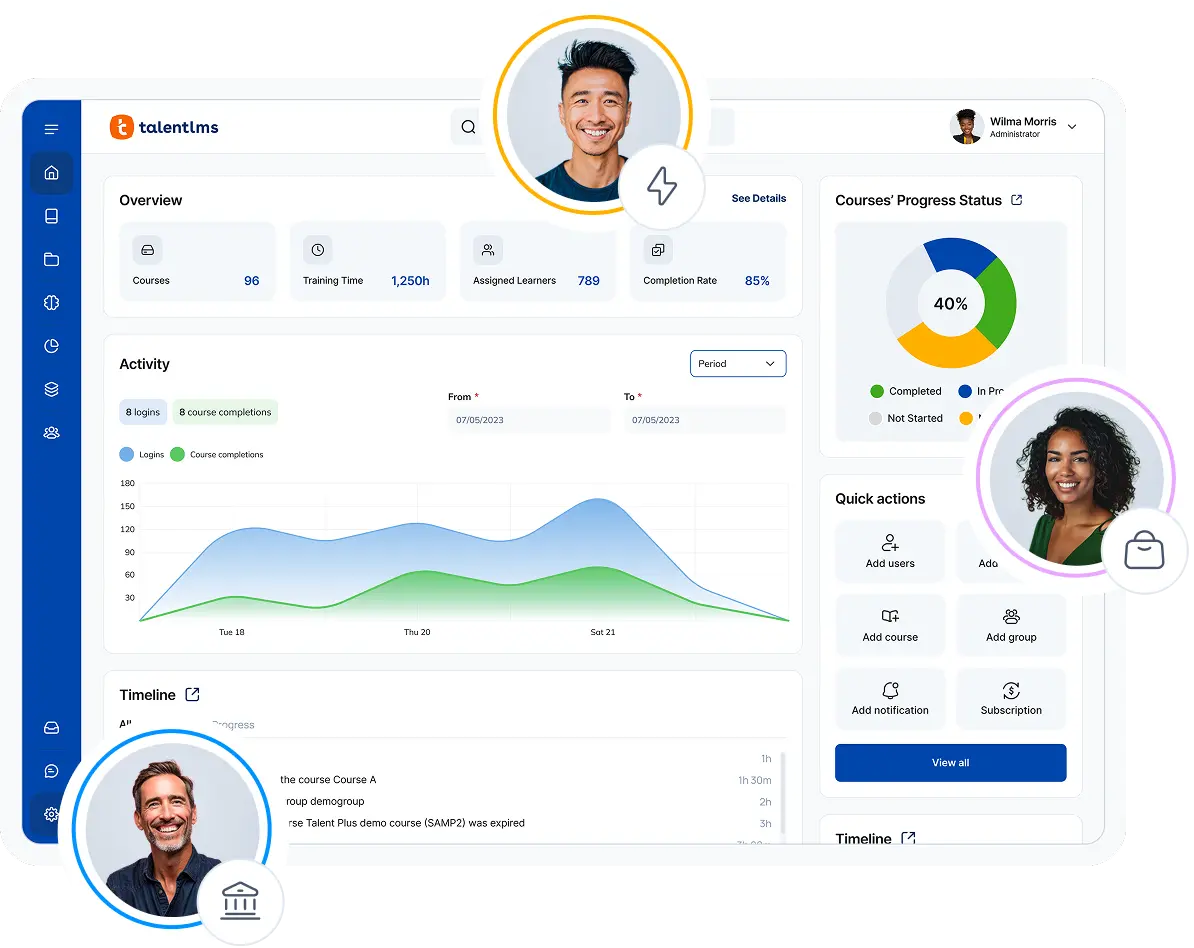
TalentLMS is a cloud-based corporate LMS for growing enterprises that allows you to seamlessly branch your training platform into independent sub-portals. With a short setup time and flexibility in terms of white labeling, it’s the ideal learning platform for SMBs looking for a dynamic, approachable training solution.
Teams can get up and running 2x faster, with an average go-live time of 1.6 months compared to the 3.1-month category average. TalentLMS scales with your needs. As your training programs grow, you can upgrade your plan to access additional branches and advanced features. All with transparent, usage-based pricing.
If you plan to deploy online training quickly and effectively, TalentLMS features a library consisting of hundreds of ready-made courses based on dozens of soft skills categories, named TalentLibrary™. At the same time, TalentLMS includes built-in AI capabilities, such as generative AI for content creation, coaching, and translations that help teams streamline training delivery and management. It’s one of the best corporate LMS systems for small-to-medium businesses and anyone looking to support the ongoing upskilling of their employees at scale.
Key features:
- Branches (sub-domains) & white labeling
- Certification
- Automations
- Reports and analytics
- Content authoring & AI tools (AI Course Creator, AI Coach, AI tests, cloning, translation)
- Skills
- Gamification
- Instructor-Led Training (ILT)
- Integrations (HubSpot, LinkedIn Learning, BambooHR, LTI 1.3)
Best used for: Small-midsize business (SMB) training, employee onboarding and training, customer and partner training, compliance training
Not the best fit for: Academic learning, selling courses via eCommerce
Pricing: Free plan available. Free premium trial available. Pricing starts at $119/month (Core Plan), $229/month (Grow Plan), $449/month (Pro Plan).
The Good
“I love the ability to use AI and also have free range for customization. […] The reporting has been extremely beneficial and provides helpful data. We were able to implement the content easily and quickly with an extremely high adoption rate. We had no issues transitioning from our prior platform to TalentLMS and it has already saved us hours of training time […]”. – 5/5 Katrina L.
The Room for Improvement
“There’s always room for improvement, the ability to create exams and use uploaded content to generate AI polished lessons will certainly improve over time. But it is a good start”. – 4.5/5 Robert R.
2. Docebo
Rating: 4.3/5 (722 reviews)
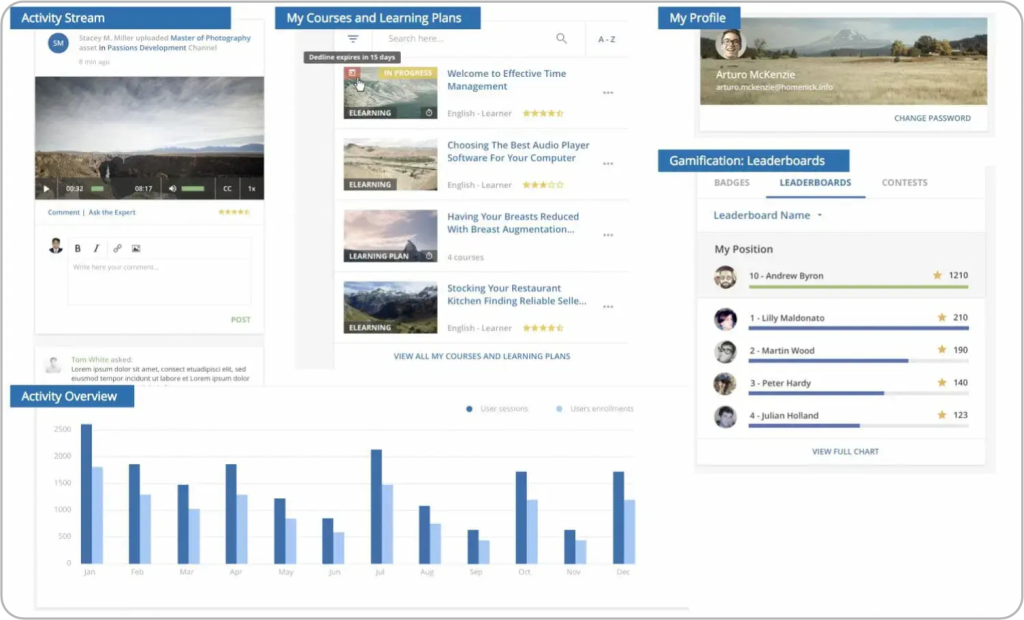
Docebo is a corporate LMS suitable for enterprise-level training over long periods of time. It features advanced learner tracking and training management capabilities, with AI-powered functionality used to personalize learning experiences and guide learners on an ongoing basis. Docebo also offers built-in content creation through its Shape authoring tool, while supporting integrations with external course libraries and content providers.
Docebo is very flexible when it comes to its integrations, supporting hundreds of third-party apps that can easily be paired with this corporate LMS. With built-in gamification and group learning tools for collaborative learning and online discussions, it ensures that learners are engaged enough to complete their online courses anytime they get assigned to them. Due to its focus on corporate training at scale, however, it’s not a great choice for SMBs and higher education institutions.
Key features:
- AI-guided learning
- Certification
- Social learning
- Gamification
- Mobile learning
- Ready-made content library
- Integrations
- SCORM compliant
- Reports
- eCommerce
Best used for: Enterprise-level training, government-level training, employee onboarding and training, customer and partner training, compliance training
Not the best fit for: Small business training, academic learning
Pricing: No price listed. Contact the vendor.
The Good
“I really appreciate their strong focus on user experience, and the product features an outstanding user interface. Its scalability has enabled us to reach a wider audience and add new content at a faster pace. Additionally, the reporting and analytics tools are top-notch”. – 5/5 Ewan R.
The Room for Improvement
“My biggest frustration is the pricing model. The base subscription seemed reasonable at first, but once we added the features we actually needed—advanced analytics, AI recommendations, and specialized reporting—the cost went up more than expected. For large-scale organizations like ours, it’s important to have clearer upfront pricing for enterprise-level features”. – 5/5 Verified user
3. Adobe Learning Manager
Rating: 4.0/5 (314 reviews)
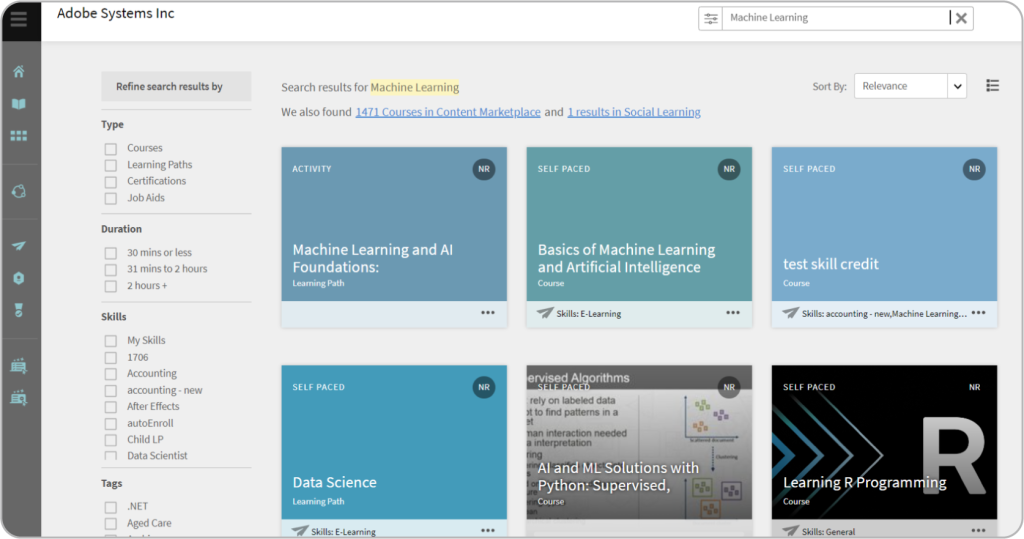
Adobe Learning Manager is Adobe’s enterprise-level LMS solution built for unified learning. A big selling point for this corporate LMS software is the fact that it actively integrates with Adobe Experience Manager sites. These are Adobe’s external tools, which allow easy content creation and distribution across web and mobile channels. Paired with its built-in gamification features and AI-powered learning recommendations, this corporate learning management software is uniquely suited to increase your employee training success.
Adobe Learning Manager features a content marketplace. Using this, you can easily pick which on-demand courses you’d like to deliver to learners at any point. This makes it a great choice for large-scale training programs, such as deploying training to different franchise branches across the globe. But this also means there’s a big entry curve for small businesses, which may find their solutions outside their price range.
Key features:
- Learning paths
- AI-guided learning
- Blended learning
- Mobile learning
- Skill matrix
- Gamification
- Integrations
- Gradebook
- Social learning
- Ready-made content library
Best used for: Enterprise-level training, government-level training, compliance training, customer and partner training, upskilling and reskilling, selling courses via eCommerce
Not the best fit for: Small-midsize business (SMB) training, academic learning
Pricing: Free trial available. No price listed. Contact the vendor.
The Good
“Adobe is an extremely effective tool reducing manpower in terms of trainings to be given to employees about any updates or changes in their daily work. It is also very easy to use”. – 5/5 Verified user
The Room for Improvement
“Sometimes it takes a while to get a support person response quickly, as most of the staff are in India. It would be nice to know about the bug fixes that happen with a new release. Some are listed in the release notes, but not all of them”. – 4/5 Verified user
4. Cornerstone
Rating: 4.1/5 (516 reviews)
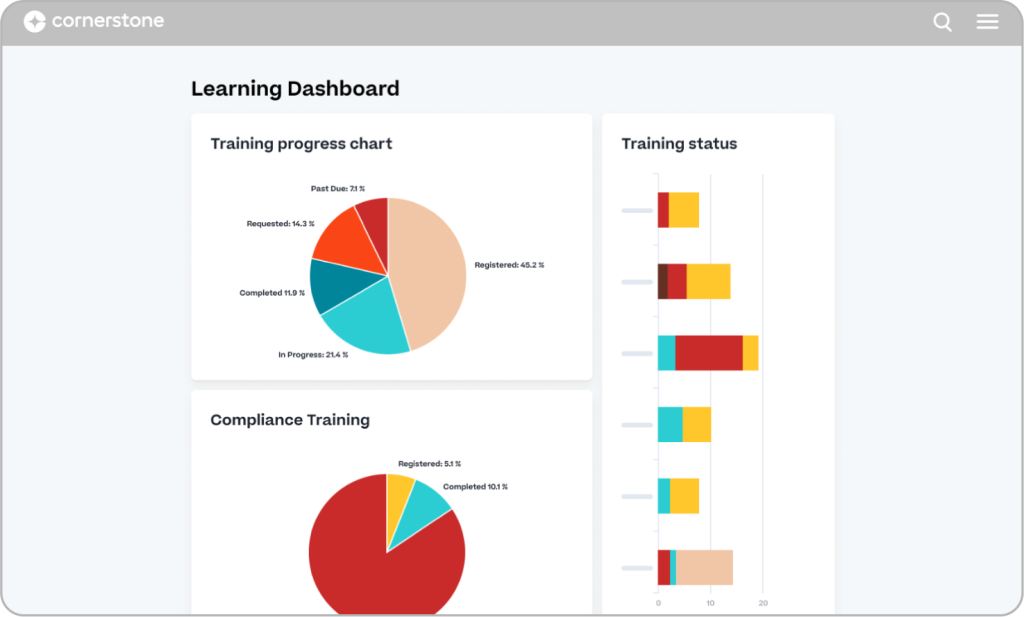
Cornerstone Learning is a corporate LMS with an emphasis on professional development and personalized learning. Designed to support guided training, this learning management system uses AI to suggest learning paths to its users, with increased emphasis on AI-driven personalization across roles and career stages. On the instructors’ side, Cornerstone features real-time insights and skill graphs on learners’ performance to advise the instructor on how to proceed with any given learner.
Workforce planning, or the ability to upskill employees based on role changes, is another noteworthy feature of this corporate learning management software solution, supporting internal talent mobility and career development initiatives. Combined with its performance management and survey functionalities, Cornerstone is all about talent nurturing over extended periods. While it can be used by higher education institutions, it’s more suited for corporate LMS use cases. Due to its robust and extensive talent growth functionality, it’s also not the best LMS for eCommerce or small-business training programs.
Key features:
- AI-guided learning
- Performance management
- Learner engagement surveys
- Workforce management
- Gamification
- Integrations
- Certification
- Skills graph
- Reports and analytics
- Gradebook
- Mobile learning
Best used for: Enterprise-level training, compliance training, customer and partner training, employee onboarding and training, academic learning
Not the best fit for: Small business training, selling courses via eCommerce
Pricing: No price listed. Contact the vendor.
The Good
“As a highly regulated customer, system validation and maintaining that validation are critical elements. Cornerstone continues to be an industry leader in having a fully validated system for highly regulated customers”. – 4/5 Verified user
The Room for Improvement
“Some of the screens that I think should or could be combined are seperate. For example in the course catalog there are some options for learning objects and then under each learning type that are another set of options. It can be confusing to remember where to locate what edits”. – 4/5 Verified user
5. Litmos
Rating: 4.3/5 (678 reviews)
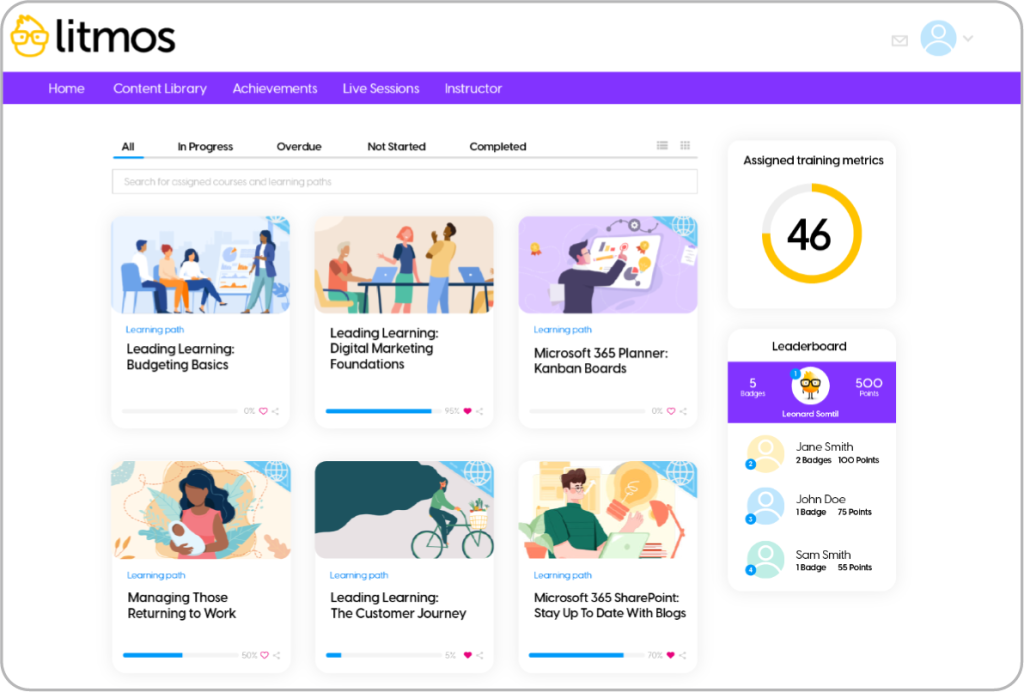
Litmos is a corporate LMS solution built with ease of use in mind. It features comprehensive content authoring tools and off-the-shelf online courses on compliance and various skills, along with AI-assisted features for content creation and training automation. This makes it a good fit for quick deployment and for companies looking for LMS solutions that they can automate for hands-off training management.
It’s worth pointing out that this corporate LMS features full maintenance packages regarding the upkeep of the online training portal. If you’re worried about handling administrative tasks related to maintaining your portal, Litmos can provide you with adequate support. It’s a great choice for businesses with no professional instructors or L&D departments. However, it’s geared towards providing and enabling corporate training and isn’t well-suited for eCommerce or academia, so it’s good to keep that in mind.
Key features:
- Content authoring
- Social learning
- Learning paths
- Automations
- ILT
- Gamification
- Gradebook
- White labeling
- Integrations
- Ready-made content library
Best used for: Enterprise-level training, customer and partner training, employee onboarding and training, external training, compliance training
Not the best fit for: Academic learning, selling courses via eCommerce
Pricing: Free trial available. No price listed. Contact the vendor.
The Good
“I’ve had a very positive experience using Litmos as our learning management system. The course authoring tools are intuitive and easy to navigate, and the Litmos Training Academy courses for administrators have made them even more powerful and practical. I appreciate the flexibility in testing options, whether embedding quizzes throughout a course or using a more comprehensive final assessment module”. – 5/5 Chris K.
The Room for Improvement
“One area that could benefit from enhancement is platform utilisation tracking within the admin reporting suite. While Litmos offers a range of reports, more granular visibility into how learners engage with the platform would empower admins to make more data-driven decisions and better demonstrate ROI to Senior Stakeholders and Leadership”. – 4.5/5 Kira S.
6. 360Learning
Rating: 4.6/5 (542 reviews)
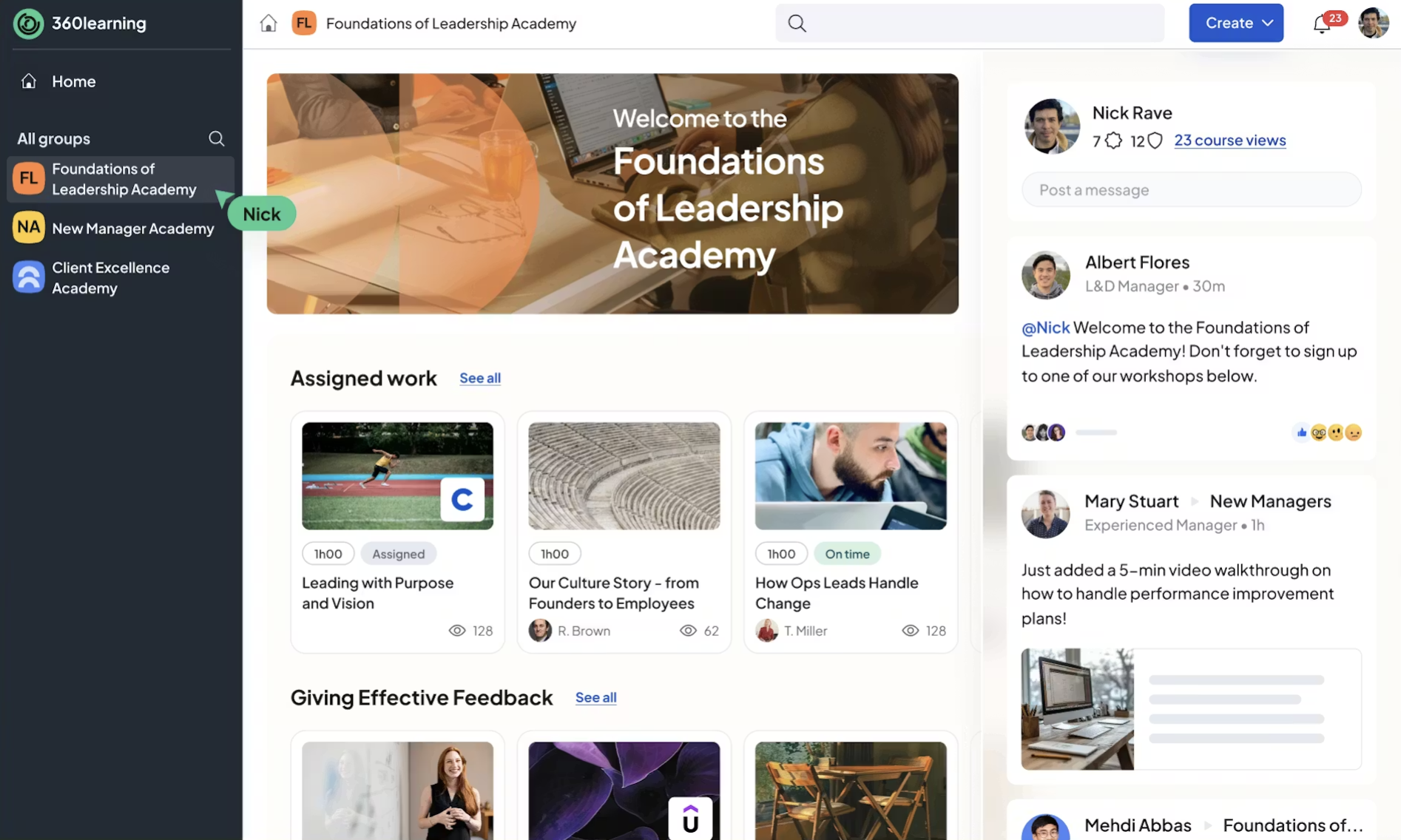
360Learning is an LMS platform that helps companies train people faster by turning internal employee expertise into learning. It brings course management and personalized learning together in one place, making it easier to support onboarding and ongoing development across teams.
A key part of 360Learning’s approach is peer-to-peer and social learning. Employees can create and share courses, exchange feedback, and learn in expert-led groups, with with managers and subject-matter specialists contributing alongside L&D teams. AI-powered features and integrations with existing business systems support this approach at scale. 360Learning is a good fit for organizations that want peer-driven learning to play a central role in their training programs.
Key features:
- Collaborative learning
- Content authoring
- AI-guided learning
- Learning paths
- Skills mapping
- Mobile learning
- Certification
- Integrations
- Reports and analytics
Best used for: Employee onboarding, compliance training, upskilling and reskilling, customer and partner training
Not the best fit for: Small-midsize business (SMB) training and academic learning
Pricing: Free trial available. Teams plan starts at $8/registered user per month for up to 100 users. For the Business plan, you need to contact the vendor.
The Good
“[…] Anyone on the team can contribute, give feedback or update content without needing to be an instructional designer. The platform feels modern, interactive and really encourages peer-to-peer learning which makes training feel less top-down and more engaging.“. – 5/5 Verified user
The Room for Improvement
“I do not find it to be intuitive and some basic features seem to be missing. Reporting and reviewing stats can be clunky and tasks require a lot of clicks. Sometimes Help articles are incorrect. I also wish that the courses looked better aesthetically.“. – 2.5/5 Verified user
7. Bridge
Rating: 4.2/5 (381 reviews)
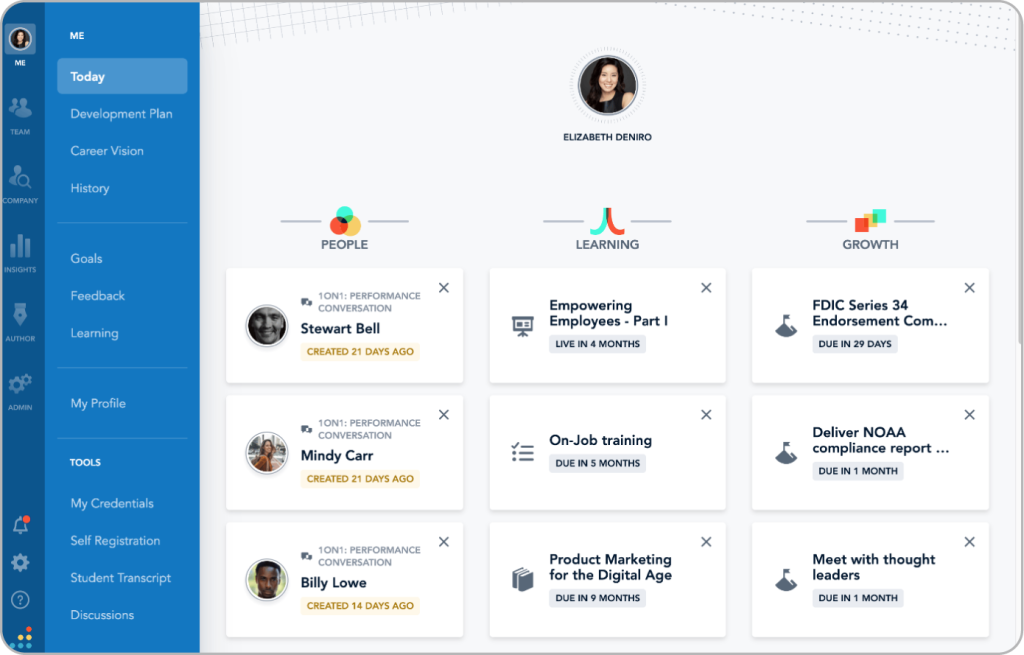
Bridge is a corporate LMS that focuses on talent growth. Its features revolve around skills feedback, career development, and performance management. This makes it a fitting solution for enterprises that prioritize employee training and growth, from onboarding to upskilling and reskilling. It features robust certification features and guides the learner along their journey with AI algorithms, with a strong emphasis on skills-based development and internal mobility.
It can also track and analyze how much a learner procrastinates during training and use this information to alert instructors and suggest solutions for each case. Bridge integrates natively with LinkedIn Learning and similar course libraries, as well as HR and talent management systems, meaning you can create your own training materials or go with external vendors. Due to the nature of its features, it’s not the best fit for seasonal training. It works best over longer periods of time with access to larger pools of engagement data.
Key features:
- Content authoring
- AI-guided learning
- Learning paths
- Skills mapping
- Mobile learning
- Certification
- Integrations
- Reports and analytics
- Ready-made content library
Best used for: Enterprise-level training, employee onboarding and training, customer training, government-level training
Not the best fit for: Seasonal training, academic learning, selling courses via eCommerce
Pricing: No price listed. Contact the vendor.
The Good
“I like the intuitive layout of the LMS and that it also has Perform features. Though I mention this in dislikes as well, I do like that Bridge has feature requests and listens (to some extent) to feedback given. I am excited for the career pathing as well as I think that is a big differentiator for Bridge from other LMS/performance software systems”. – 4/5 Verified user
The Room for Improvement
“I find the authoring tool built within Bridge a bit lacking. It seems to lack interactivity and could benefit from features that enable more engaging content development, such as adding flashcards, matching, or sorting activities. Additionally, the current format for inserting images or video feels too linear, limiting the potential for dynamic, engaging content creation on the platform”. – 3/5 Jewthye R.
8. Absorb LMS
Rating: 4.6/5 (805 reviews)
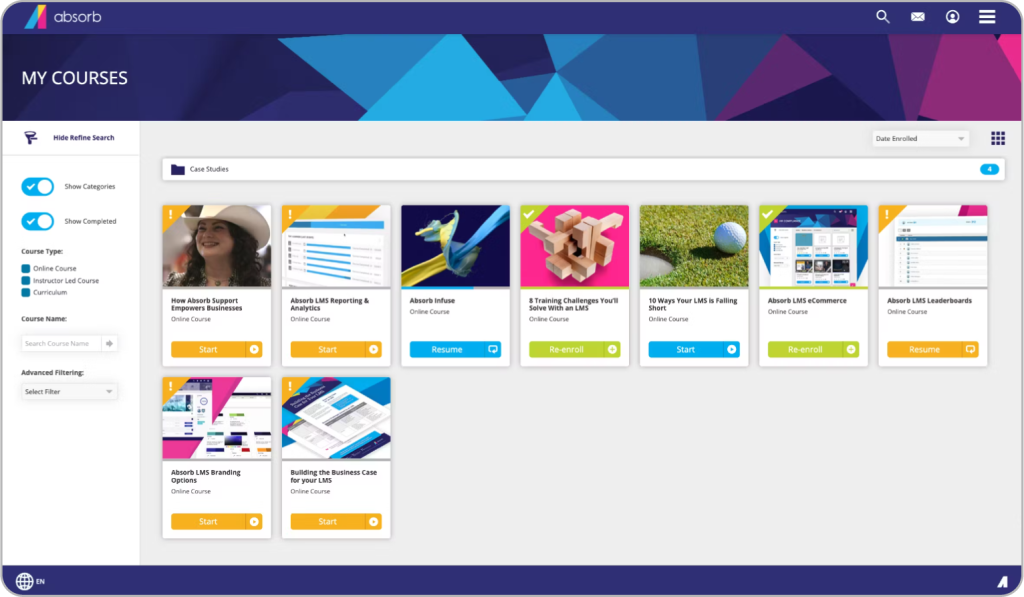
Absorb LMS is a corporate LMS built for enterprises looking to deliver microlearning experiences to their learners. Thanks to its AI-powered features, this learning management system makes it easier for learners to retain the information they have just acquired, including AI-driven recommendations and personalization. With extensive admin automation functionality, the LMS also makes it easy for instructors to manage their own portals. Social learning tools and gamification make it a must for corporate learning that prioritizes learner communication and healthy competition.
Absorb LMS also emphasizes its integration with MedTrainer, a library of healthcare-compliant training courses. Another great feature that works hand-in-hand with healthcare training is eSignatures, allowing users to always remain compliant with training regulations. Alongside its broader enterprise integrations, this makes it the best learning management system for medical and government institutions looking for ways to conveniently provide training for their staff through a single corporate LMS.
Key features:
- AI-guided learning
- Healthcare-compliant training
- Social learning
- Mobile learning
- Reports and analytics
- Gamification
- Integrations
- eSignatures
- eCommerce
Best used for: Mid-to-enterprise level training, healthcare training, government-level training, compliance training, partner training, selling courses via eCommerce
Not the best fit for: Small business training, academic learning
Pricing: Free trial available. No price listed. Contact the vendor.
The Good
“There’s so much functionality that you can pretty much do anything with the software, to create a fully customisable platform! The guides are very helpful and our implementation manager […] was amazing! No question she couldn’t answer”! – 5/5 Kim M.
The Room for Improvement
“What I dislike about Absorb LMS is that while it’s generally user friendly, some functions can be confusing or take multiple steps to complete. The least helpful aspect is the limited customization available for course layouts and reporting, which can restrict how information is displayed or tracked. […]” – 5/5 Rosetta B.
9. Tovuti LMS
Rating: 4.6/5 (295 reviews)
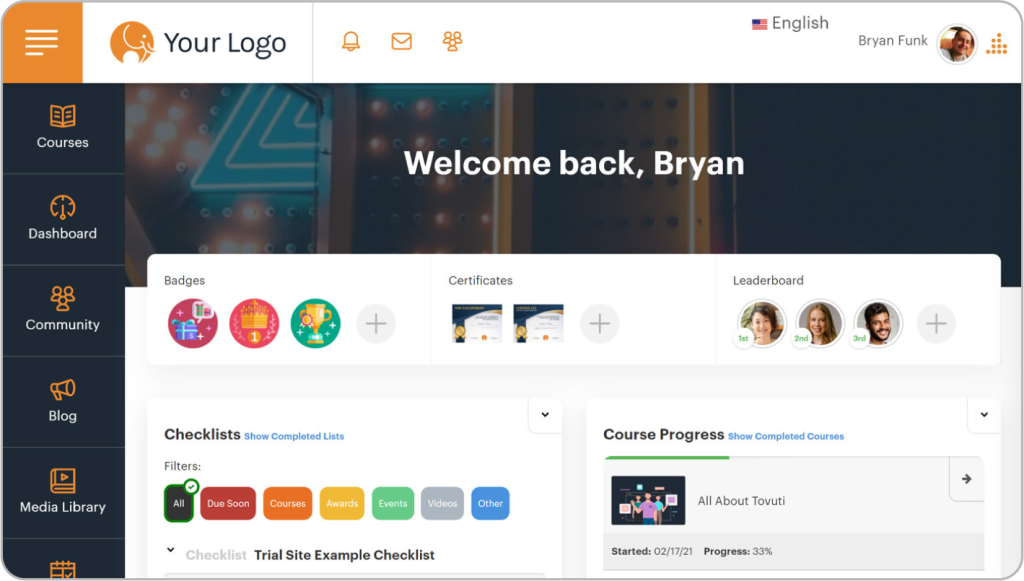
Tovuti LMS markets itself as a next-gen LMS that prioritizes learner experience. Its content authoring tool is quite robust, with support for over 40 types of content. And if you’re in a hurry, its DIZI AI Assistant will provide training materials for you, making the instructional design process a breeze even for beginners, including AI-assisted quizzes and assessments. Despite how approachable it is from the user’s perspective, it has enterprise-level security with features like disaster recovery and redundant data storage.
This corporate LMS sports rich live training functionality, enabling instructors to provide training with lessons through video conferencing, screen sharing, real-time whiteboards, recordings, and more, along with support for blended and hybrid learning programs. It’s quite a flexible learning platform if you’re looking for an LMS solution that lets you administer and control how online training is experienced by learners moment-to-moment. However, this corporate LMS may be a bit pricey for small and medium businesses with limited budgets, and is the best LMS fit for enterprise-level training.
Key features:
- Course authoring
- Content authoring with generative AI (DIZI AI)
- Learning paths
- Social learning
- Mobile learning
- White labeling
- Gamification
- Integrations
- eCommerce
- Enterprise-level security
Best used for: Enterprise-level training, employee onboarding and training, compliance training, customer and partner training, selling courses via eCommerce
Not the best fit for: Small business training, academic learning
Pricing: No free plan available. Pricing starts at $11,160/year.
The Good
“I like the ability to create custom badges and certificates to award employees. I also like that sub-admin settings allow for some flexibility in access so they aren’t overwhelmed with the full admin/developer version of the Tovuti back end. It’s also helpful to be able to archive learning and manage reporting, as well as adding our own SCORM content to the system. […]” – 4/5 Verified user
The Room for Improvement
“[…] There are a lot of things that need to be checked when publishing pages, which is good up to a point but can be confusing – it would be good if you could create your own lesson or course template and then reuse it numerous times to ensure every time i create something it is consistent”. – 4.5/5 Verified user
10. LearnUpon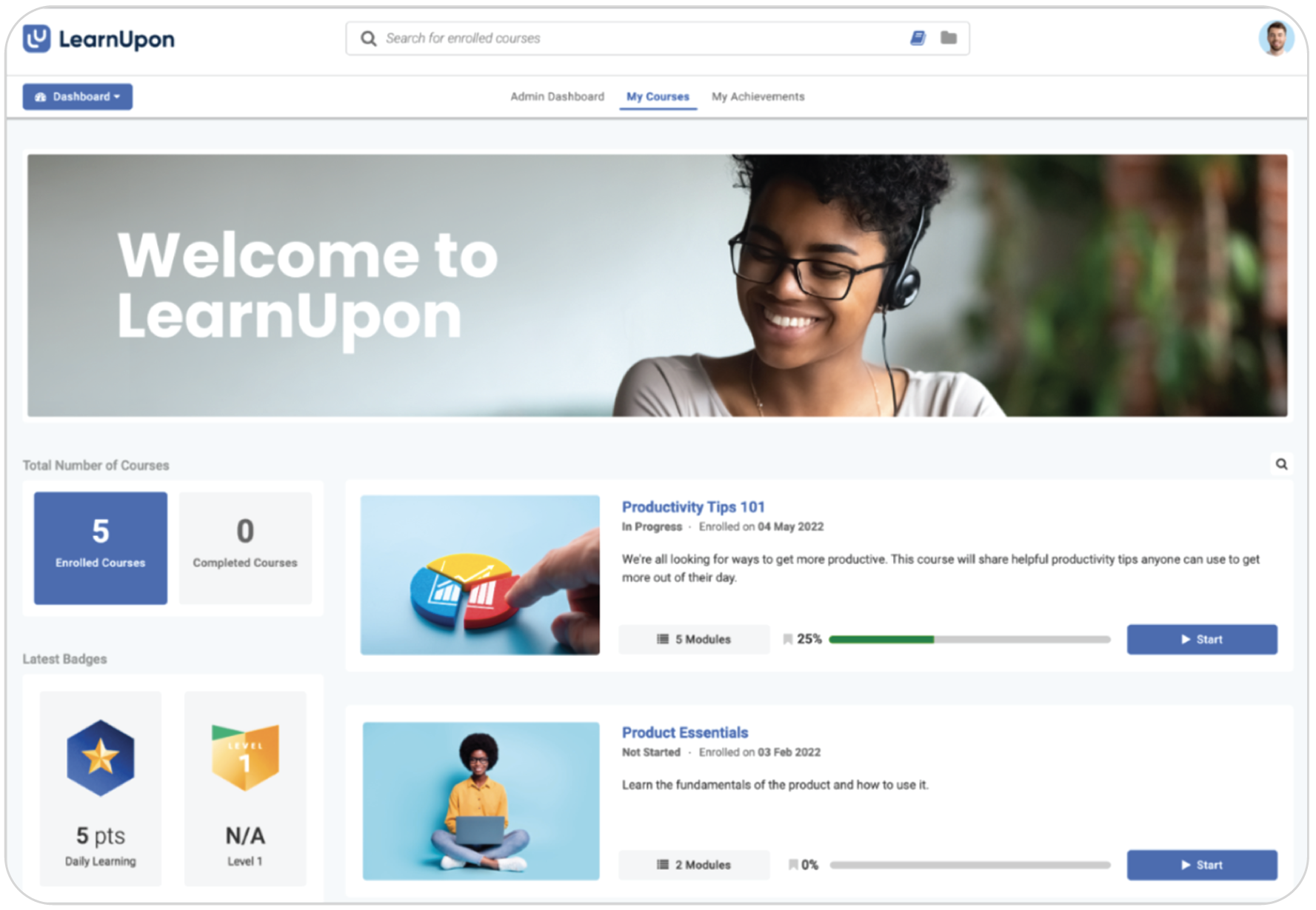
Rating: 4.6/5 (194 reviews)
As an AI learning platform, LearnUpon is an LMS that combines traditional and AI-based tools for a more holistic training management system. Its features are focused on personalized learning experiences, with AI helping instructors curate content based on learners’ needs and professional goals. The platform allows instructors to build individualized learning paths and use portals to separate user groups into independent learning environments, making it easier to deliver tailored training without relying on additional integrations.
LearnUpon also features an AI Coach that supports assessment and learner engagement through interactive, chatbot-based experiences. The AI Coach draws on learner data from courses, assessments, and other training activities to engage users in reflective interactions, helping instructors delegate parts of the assessment process while maintaining visibility into learning outcomes. This makes LearnUpon well-suited for organizations looking to support personalized, long-term training programs with AI assistance.
Key features:
- Automations
- Personalized learning
- Surveys
- Gamification
- eCommerce
- Portals (subdomains)
- Reports & analytics
- Integrations
Best used for: Employee onboarding and training, external training, eCommerce
Not the best fit for: Academic learning, small business training
Pricing: No free trial available. No price listed. Contact the vendor.
The Good
“LearnUpon was easy to setup and they have a professional team that supports you for the entire process. I also like some of the available automation processes . Users can access the site easily and also access the various course that they are enrolled in. Excellent reports are available to provide feedback on users and courses”. – 4.5/5 Naruka T.
The Room for Improvement
“[…] Updating quizzes or knowledge exams could be a bit easier, as it’s usually a little time-consuming. There was also a learning curve for leaders who wanted to upload training because there were too many options to choose from, making the instructor role a bit obsolete since I now do all the uploading”. – 4/5 Brittany M.
How to choose the right corporate LMS
So, which learning management system fits what you need? The answer is the one that addresses your training challenges head-on. To get there, go over the list of solutions we’ve covered and start connecting the dots between your training plans and the features these LMS platforms offer.
Once you have a shortlist of learning management systems, reach out to different vendors and talk to their sales representatives to learn more about each platform straight from the source. Speaking with people with a deep understanding of these LMSs will bring you closer to a definitive answer to your particular training needs.
Answering the following questions will help you narrow down your options:
- Is the corporate LMS a good fit for your use case (onboarding and seasonal training, for example)?
- How many users do you plan to begin training with?
- Is it a scalable solution (allowing you to create additional learning environments)?
- Does it have all the robust features you expect for corporate training?
- Do you need ready-made content, plan to create courses on your own, or both?
- Does the training platform offer extensive support?
- Does it offer a free trial or a demo without purchasing a plan?
Choosing the right corporate LMS ultimately comes down to finding a platform that aligns with your training goals, resources, and long-term growth plans.
How organizations succeed in corporate learning with TalentLMS
42 North Dental: Reduced employee turnover from 40% to 25%
Industry: Healthcare
Use case: Compliance Training, Employee Training, Onboarding Training
Size of company: 1000+
Number of happy learners: 1,600+
Reducing employee turnover from 40% to 25%, 42 North Dental uses TalentLMS to centralize compliance, onboarding, and career development training for 1,600+ learners. A single training hub helped save thousands of work hours while ensuring providers stay certified and focused on patient care.
Tagmarshal: A one-person L&D powerhouse
Industry: Technology
Use case: Customer Training, Employee Training, Onboarding Training
Number of happy learners: 1,000+
Driving a 600% increase in course completion, Tagmarshal uses TalentLMS to run a one-person L&D operation powered by AI and cross-team collaboration. With AI-assisted course creation, microlearning, and automated reminders, a single L&D lead scaled training for customers and employees while saving hundreds of hours in manual training.
Global Shop Solutions: Scaled employee and customer training in just 90 days
Industry: Software
Use case: Customer Training, Employee Training
Size of company: 330
Number of happy learners: 7,300+
Launching employee and customer training in just 90 days, Global Shop Solutions uses TalentLMS to convert static documentation into interactive courses across multiple audiences. Separate training environments and ease of use made it possible to scale training quickly while securing stakeholder buy-in.
ShopGoodwill.com: Managing training across 130+ partners
Industry: Nonprofit
Use case: Partner Training, Onboarding Training
Number of happy learners: 600+
Managing training across 130+ partner branches, ShopGoodwill.com uses TalentLMS to standardize onboarding and operational training at scale. Custom portals, shared content, and reporting help maintain brand consistency and track learning progress across its entire partner network.
FAQs for corporate LMS
What is a corporate LMS?
A corporate Learning Management System (LMS) is a software platform for businesses to create, deliver, manage, and track online training for employees, partners, or customers—centralizing onboarding, compliance, skill development, and performance tracking in one place.
Who uses a corporate LMS?
Corporate LMS users include employees (for learning), managers (for tracking), and HR/L&D teams (for administration), across all company sizes and industries, to handle onboarding, compliance, upskilling, and performance management centrally.
What are the key features a corporate LMS software should have?
A corporate LMS should include features like AI-powered tools, strong integrations, reporting and analytics, automations and certifications. AI tools often include AI course creation, AI skills-based learning, and AI coaching. Strong integrations help connect seamlessly with the tools you use every day.. While, reporting and analytics help track learner progress, measure training effectiveness, and evaluate training ROI. For a more detailed breakdown, check out this article on the top LMS features.
What corporate LMS types are there?
Corporate LMS types vary by deployment model (cloud/SaaS or on-premise), source and licensing (open-source, proprietary, or custom-built), and focus or features (such as AI-powered platforms, integrated talent suites, or mobile-first LMSs). For more details and examples, see this guide about LMS types.
Originally published on: 16 Feb 2024 | Tags: Cloud LMS,eLearning,top LMS