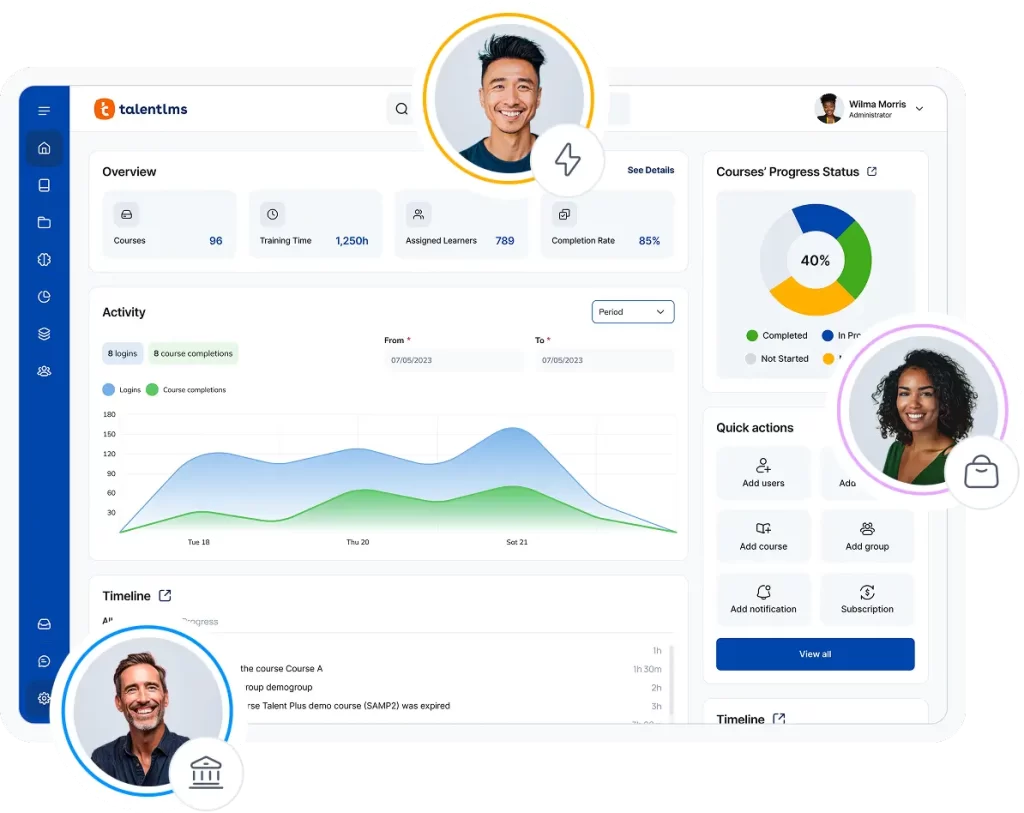
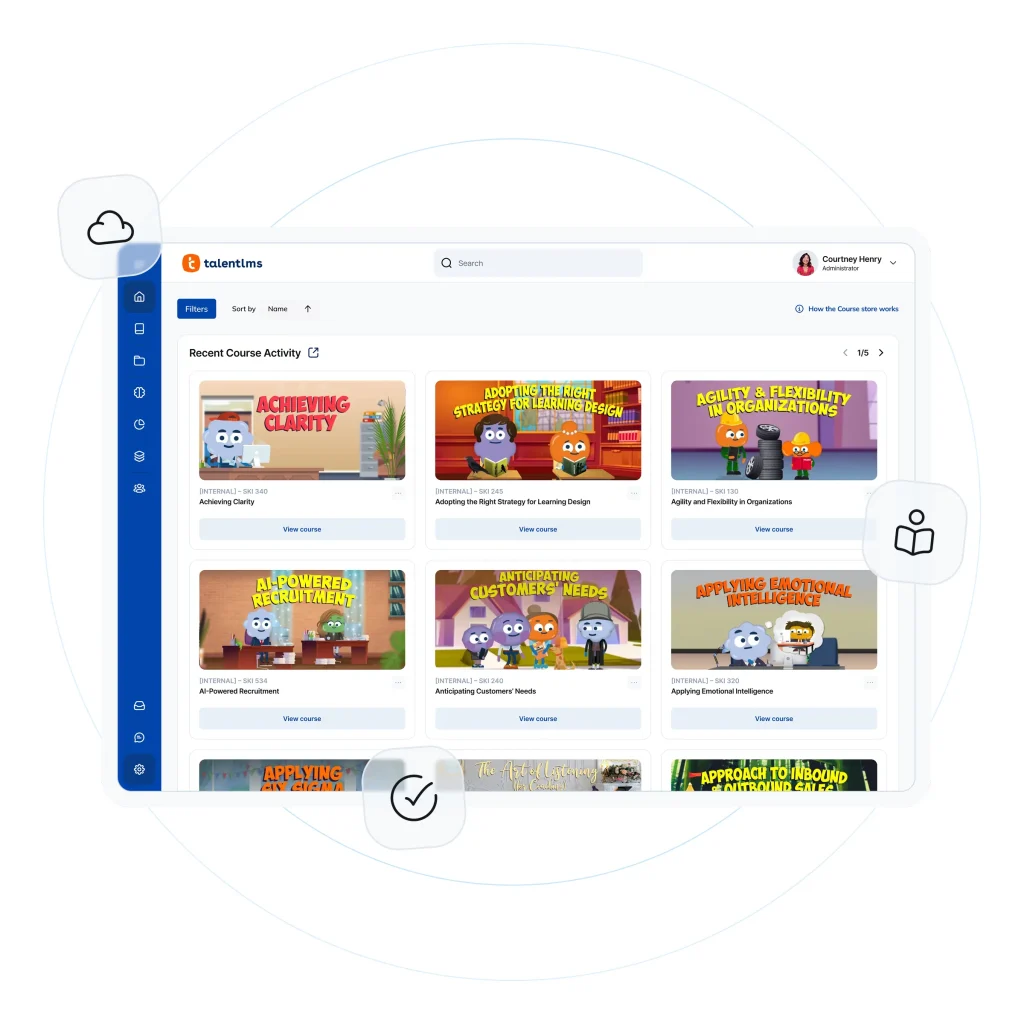
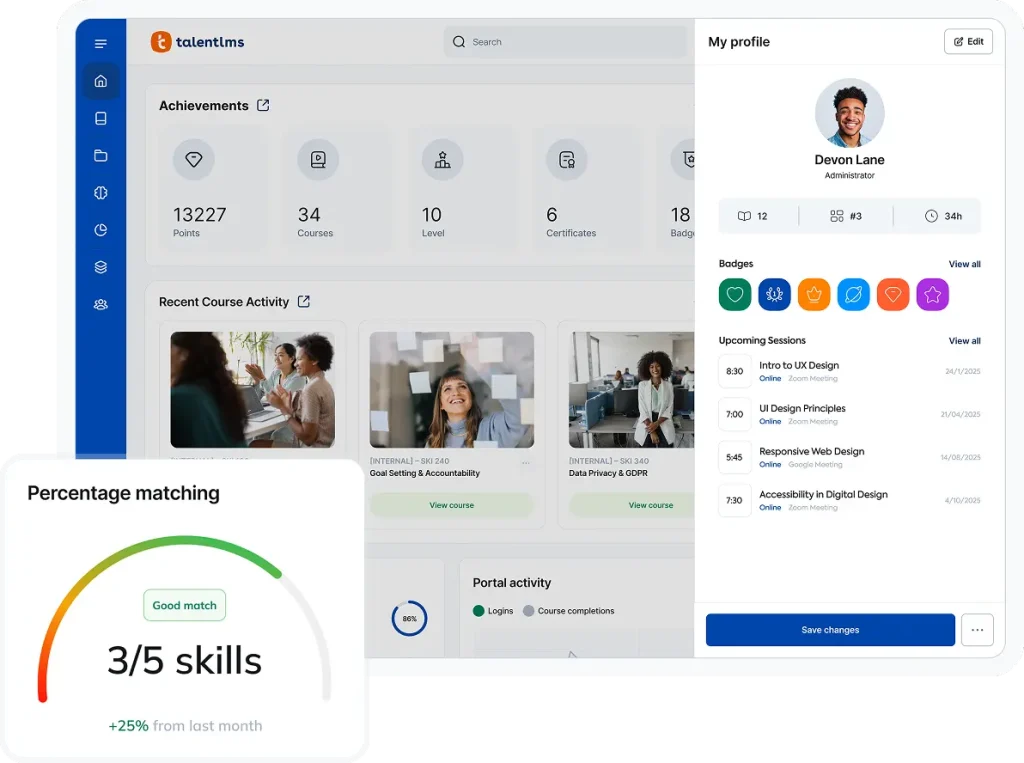
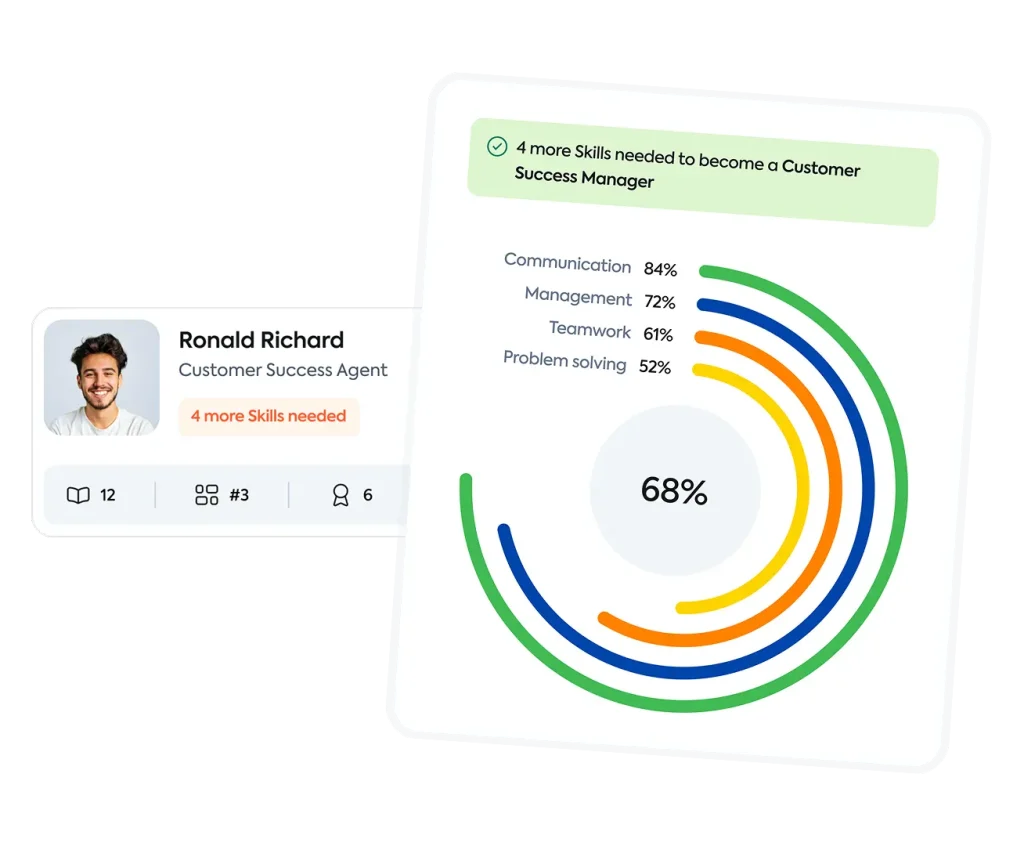
TalentLibrary™ — Skills that matter, courses that deliver.
With TalentLibrary™, you set the foundation for a strong, aligned workforce—soft skills, compliance, and workplace essentials, from day one (and beyond).
With TalentLibrary, you set the foundation for a strong, aligned workforce—soft skills, compliance, and workplace essentials, from day one (and beyond).
“The organizations that move faster are the ones that treat skills as a living system.”
Dimitris Tsingos
Co-founder, President, and Chief Executive Officer
“Creating and maintaining learning content has always required significant time and effort, and AI has already delivered real value in that area. Many learning teams can now accomplish in hours what previously took days.“
Thanos Papangelis
Co-founder and Chief Research Officer at TalentLMS
Mary is a Senior Product Manager at TalentLMS, with deep expertise in customer education and support. She’s led major feature rollouts, turning user needs into intuitive product experiences. Her focus is on clear communication, collaboration, and building genuinely helpful tools that drive user success.
Expert Tip: How to Build Strong Product Knowledge Across Teams
Product knowledge is one of the most powerful tools for building confidence, trust, and connection between your teams and your customers. Here’s how to make it stick.
Start with the ‘why’: Help your teams understand how product knowledge connects to real customer needs, not just features or specs.
Mix formal training with hands on time: Combine structured courses with live demos, product testing, or shadowing support teams for deeper insight.
Tailor content to different roles: Sales, support, customer success, and engineering all need product knowledge, but from different angles. Make sure the format and focus align with each team’s goals, workflows, and decision-making needs.
Keep it searchable and snackable: Create easy-to-access resources (like videos, short Q&As, or interactive walkthroughs) that employees can use in the flow of work.
Takeaway: When teams feel confident in what your product does — and why it matters — they speak with more clarity, connect better with customers, and build lasting trust.
PRO TIP: Roza Tapini – Live on Self Limiting Post Post
Visionary HR Leader with a proven track record of building and nurturing organizational cultures where high-performing teams thrive. Experienced in driving impactful change management initiatives, scaling organizations while preserving their core cultural identity.
Expert Tip: How to Support Employees in Overcoming Limiting Beliefs
Self-limiting beliefs aren’t always loud — sometimes they show up as hesitation, self-deprecating jokes, or turning down stretch opportunities. Managers play a key role in spotting these quiet blockers and helping people move past them.
Listen for emotional cues: Phrases like “I’m just not a leader” or “That’s not my strength” might signal a belief, not a fact.
Ask open questions, not fixes: Instead of pushing reassurance, try “What makes you feel that way?” or “Have you had a chance to try that yet?” to spark reflection.
Highlight evidence of growth: Call out real examples of the employee doing well in areas they doubt — this builds a new mental narrative.
Create low-risk growth moments: Offer small leadership or visibility opportunities in a safe setting to build confidence gradually.
Takeaway: When leaders treat limiting beliefs with curiosity and care, they unlock growth — not just in performance, but in confidence, trust, and long-term potential.
Visionary HR Leader with a proven track record of building and nurturing organizational cultures where high-performing teams thrive. Experienced in driving impactful change management initiatives, scaling organizations while preserving their core cultural identity.
Expert Tip: How to Run a Great Job Shadowing Program
Job shadowing can be a powerful tool for cross-functional learning and leadership development. Here’s how to make it work for your team.
Set Clear Objectives: Define what each role observer should learn or do during shadowing.
Match Thoughtfully: Pair employees with roles that align with their growth goals.
Prep Participants: Brief both parties to ensure expectations and etiquette are aligned.
Collect Feedback: Use post-shadowing surveys to refine the program over time.
Takeaway: When done right, job shadowing builds stronger cross-functional understanding and supports employee development in real-world ways.
Tables
1st TABLE (Recommended)
Platform
Best for
G2 rating
Pricing
1. TalentLMS
Small-midsize business (SMB) training
4.6/5
Free plan available; paid plans start at $89
2. Coursera
Certified training for individuals and businesses
4.5/5
Free courses available; paid courses start at $9.99
3. Udemy
Basic employee training and upskilling
4.5/5
Free courses available; paid courses start at $10
4. LinkedIn Learning
In-depth role-specific training
4.4/5
Free trial available; paid courses start at $20
5. EdX
Leadership development
4.5/5
Free courses available; paid courses start at $90
6. Pluralsight
IT professional upskilling
4.6/5
Free trial available; paid courses start at $26
7. Skilljar
Customer and partner training
4.6/5
No free trial available; no price listed
8. SC Training (formerly EdApp)
Mobile training
4.7/5
Free plan available; paid plans start at $5
9. Moodle
Academic learning
4.1/5
Free plan available; paid plans start at $130
10. 360Learning
Collaborative learning
4.6/5
Free trial available; paid plans start at $8
11. Docebo
Enterprise-level training
4.3/5
Free plan available on request; no price listed
12. LearnUpon
Employee training
4.6/5
Free trial available; no price listed
2nd TABLE
Platform
Best for
G2 rating
Pricing
1. TalentLMS
Small-midsize business (SMB) training
4.6/5
Free plan available; paid plans start at $89
2. Coursera
Certified training for individuals and businesses
4.5/5
Free courses available; paid courses start at $9.99
3. Udemy
Basic employee training and upskilling
4.5/5
Free courses available; paid courses start at $10
4. LinkedIn Learning
In-depth role-specific training
4.4/5
Free trial available; paid courses start at $20
5. EdX
Leadership development
4.5/5
Free courses available; paid courses start at $90
6. Pluralsight
IT professional upskilling
4.6/5
Free trial available; paid courses start at $26
7. Skilljar
Customer and partner training
4.6/5
No free trial available; no price listed
8. SC Training (formerly EdApp)
Mobile training
4.7/5
Free plan available; paid plans start at $5
9. Moodle
Academic learning
4.1/5
Free plan available; paid plans start at $130
10. 360Learning
Collaborative learning
4.6/5
Free trial available; paid plans start at $8
2rd TABLE
Platform
Best for
G2 rating
Pricing
1. TalentLMS
Small-midsize business (SMB) training
4.6/5
Free plan available; paid plans start at $89
2. Coursera
Certified training for individuals and businesses
4.5/5
Free courses available; paid courses start at $9.99
Maps, develops, and tracks critical employee skills for business growth
AI Coach
AI / Learner Support
Interactive guidance for learners in real time
AI Quiz Generator
AI
Builds assessments automatically from your content
AI Translation (40+ languages)
AI / Global Training
Makes training accessible across geographies
Customizable Dashboards
Analytics
Track what matters with editable widgets and filters
Learning Paths
Course Design
Guide learners step-by-step through skill development
LinkedIn Learning Integration
Content Access
Embed high-quality content directly into TalentLMS
Reviews
The Good
“I am using TalentLMS for the long time and me and my company admin can easily create courses and upload videos, SCORM, assignment and more. TalentLMS works with small teams or thousands of learners. TalentLMS can auto assign courses, send reminders and create learning path and ease to implement.” — Sourabh C., 5/5 stars
The Room for Improvement
“There were instances where the translation of our content did not hit the mark, and it would be helpful to provide the tool some prompts regarding our industry and audience to generate better text.” — Katrina L., Director of Training, Mid-Market, 5/5 stars
Pros/Cons
Version 1
Pros
Easy to set up and manage, with no technical expertise or IT team required
Supports employee, customer, partner onboarding, and compliance training
Includes AI-powered course creation through TalentCraft, as well as a variety of other AI features for admins and learners
Transparent pricing, free plan, and premium trial make it easier to evaluate
Cons
Not the best fit for academic institutions that need education-first workflows
Large global enterprises with highly complex governance needs may prefer a more enterprise-heavy LMS
Version 2
✔ Pros
Easy to use
Full-feature: Course authoring, website builder, e-commerce, and user management