Growth is supposed to be the goal. But when a business grows and its training doesn’t, the gap compounds. According to the World Economic Forum’s Future of Jobs Report, 63% of employers say skills gaps are already the biggest barrier to business transformation. When training can’t keep pace, those gaps don’t stay still. They compound. New hires wait longer to get productive. Compliance deadlines get missed. Teams build their own workarounds because the formal system can’t keep up.
Not every outdated training setup looks like a crisis. Some look like “good enough.” And that’s exactly what makes the signs easy to miss.
These seven signs help you audit whether your training is keeping pace with your business or quietly falling behind.
The signs, the problems, the solutions
| Sign | The problem | The fix |
|---|---|---|
| 1. Your LMS worked when training was smaller | Every new team or location adds more admin work — the system wasn’t built to scale | Separate training environments per team, automated assignments, and template-based course creation |
| 2. Course creation takes too long | Content is slow, expensive, or dependent on one person — momentum dies before learning starts | AI-powered course creation from a prompt or document in minutes |
| 3. Learners are dropping off | Training feels clunky, people can’t find what they need, completion depends on manager reminders | Clean interface, mobile access, and training integrated into the flow of work |
| 4. Reporting gives you numbers, but not answers | You still need spreadsheets to explain impact — training stays invisible to leadership | Skills-based tracking, automated reports, and real-time analytics leadership actually uses |
| 5. Your tools don’t talk to each other | LMS doesn’t connect with HRIS, SSO, or work systems — data lives in silos, enrollment is manual | Native integrations with HR, SSO, communication, and productivity tools |
| 6. Costs keep rising, but value doesn’t | More users, more fees, hidden costs — training spend becomes unpredictable | Transparent pricing, no hidden fees, costs that scale predictably |
| 7. You’re afraid to switch LMS | Migration sounds worse than staying stuck — perceived disruption outweighs daily friction | Migration support, content import tools, quick time to value |
Sign 1: Your LMS worked when training was smaller
The platform was set up for a 50-person team. Now there are 500. Every new team, location, or use case adds another round of admin work. Not because training itself got harder, but because the system wasn’t built to scale alongside the business.
You see it in the workarounds. Different teams using different folders. Admins manually assigning courses every time a new hire joins. One person who “knows how the system works” becoming a bottleneck for everyone else.
Ask yourself:
- How much admin time goes into setting up training for a new team or location?
- Do new departments or partners each need their own workaround?
- Is your LMS admin spending more time on logistics than on learning?

Position Green scales training with TalentLMS
When your team spans Europe, North America, and Asia, training can’t be an afterthought. Position Green chose TalentLMS to bring onboarding, employee development, and customer education under one roof. The platform integrated with tools they already used, so deploying ESG courses globally didn’t mean rebuilding workflows. The result: Consistent training at scale, with visibility into learner progress across every region.
What scalable training looks like
Separate training environments (or Branches) for each team, department, or partner, all managed from one account. Automated assignment rules that put the right courses in front of the right people without manual effort. Template-based course creation so launching a new program doesn’t mean starting from scratch.
And when a topic comes up you didn’t plan for (a new compliance requirement or an urgent product update), a ready-made course library like TalentLibrary™ fills the gap in minutes, not weeks.
Sign 2: Content creation takes too long
Content creation is too slow, too expensive, or too dependent on one person. Every new training need turns into a project: Find a subject-matter expert, schedule time with them, build slides, record videos, and get approvals. By the time the course launches, the business has already moved on.
This is how learning debt builds up. The gap between what your team needs to know and what your training covers keeps growing, one delayed course at a time.
Ask yourself:
- How long does it take to create a new course from scratch?
- Can you respond to an urgent training need in under a day?
- Is your onboarding program the same one from 18 months ago?
What fast course creation looks like
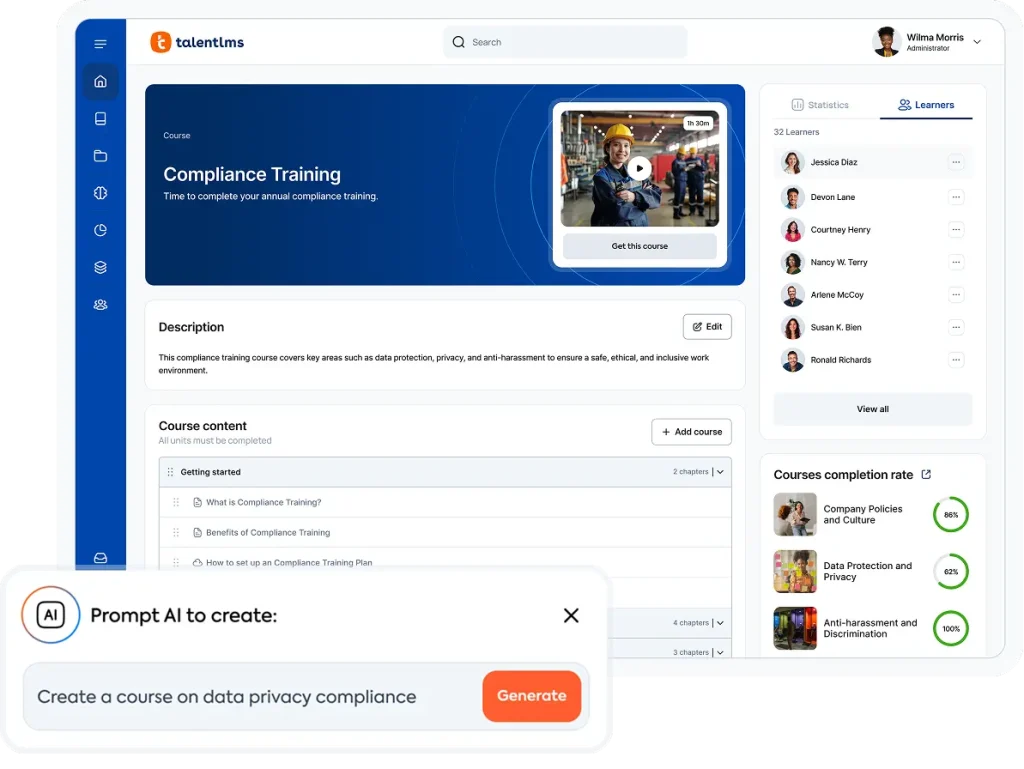
Describe what you need in a prompt or upload an existing document, and get a full course draft in minutes with the help of AI. No design team required. No vendor timelines. Content stays current because updating a course is just as quick as building one.
When one person can create what used to take a committee, course creation stops being the bottleneck and starts keeping pace with the business.
Tagmarshal cut 180+ training hours while completions still soared 600%
Golf tech company Tagmarshal turned to TalentLMS to scale its training as it expanded into new markets. By breaking content into bite-sized modules, setting up automated nudges, and tapping into AI-powered course building, the team saw course completions soar 600%, and signups climb 350%, while cutting more than 180 hours of training time. The revamped program also helped Tagmarshal secure its first PGA of America accreditation.
Sign 3: Learners are dropping off
People can’t find what they need. The interface feels clunky. Completion depends on manager reminders instead of learner motivation. The numbers back it up. According to the TalentLMS 2026 L&D Benchmark Report, 70% of employees now multitask during training — the highest level in three years. When the system makes learning feel like an interruption, attention goes somewhere else.
When the LMS feels like a chore, employees stop using it. They go to Slack, to Google, or to a colleague who can give them the answer faster. The training content might be solid, but if the delivery is painful, it doesn’t matter.
Ask yourself:
- What’s your course completion rate? And is it trending up or down?
- Do employees ask coworkers instead of checking the LMS?
- How many support tickets are some version of “I can’t find the course”?
Talent Talks (Season 3, Episode 2)
Why we don’t learn at work: The psychology behind great training
What an LMS worth using looks like
A clean interface that doesn’t need a manual. Mobile access so learners can train on their own schedule, wherever they are. And integrations with tools like Slack and Teams that bring training into the flow of work instead of pulling people out of it.
When the features are built around simplicity, completion follows. Not because you chased people, but because you removed the friction.
Sign 4: Reporting gives you numbers, but not answers
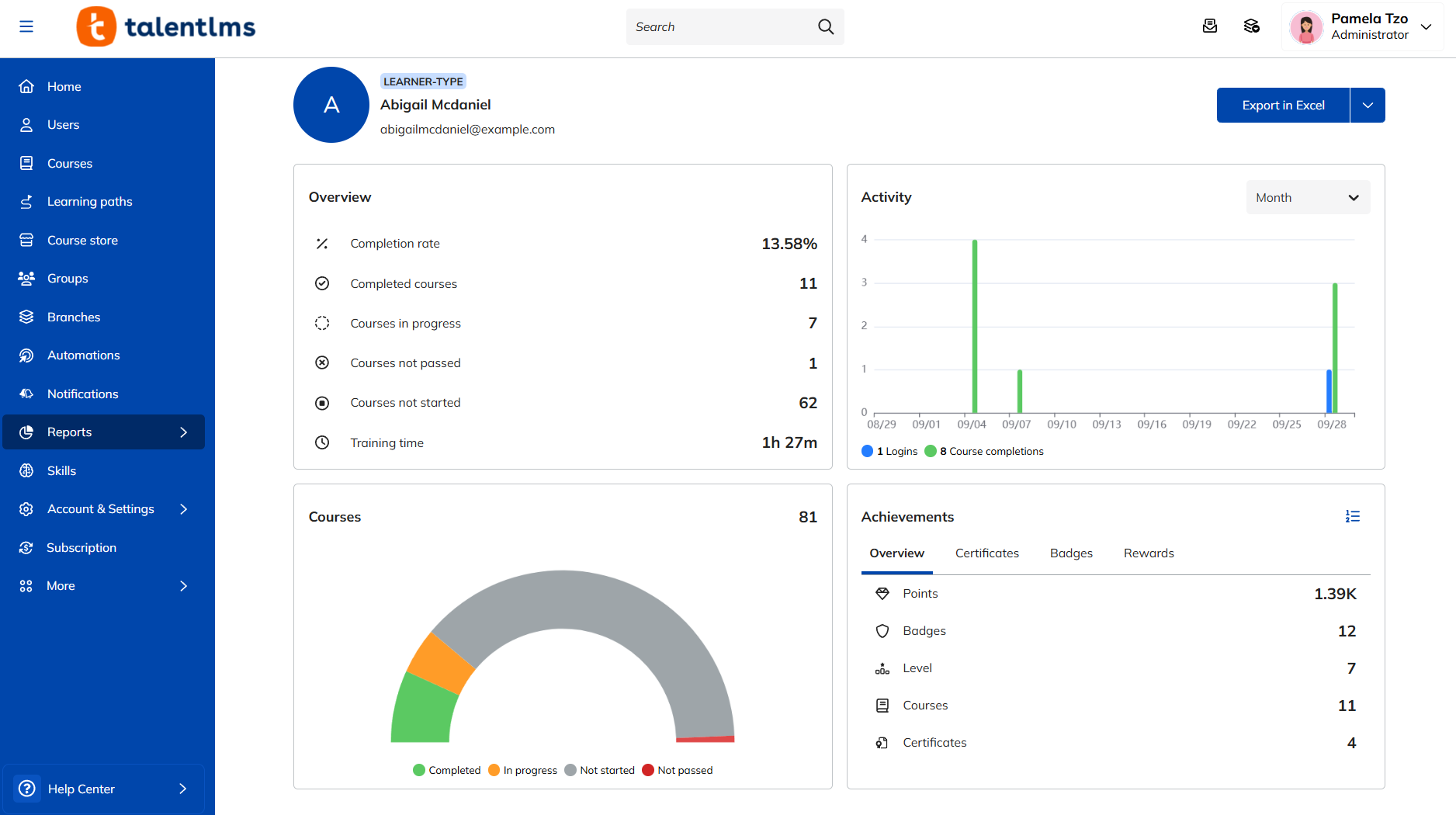
You can pull a completion report. But can you explain what that completion rate means for the business? If your reporting can show how many people finished a course but can’t connect that to performance, skills gaps, or ROI, then your data is costing you time instead of earning you trust. Gartner research puts it starkly: Only 8% of organizations have reliable data on their workforce’s skills. When you can’t see what your team knows, training stays invisible to the people who fund it.
Training stays invisible to leadership because the numbers don’t tell a story. And when it’s invisible, it gets deprioritized.
Ask yourself:
- Can you pull a training completion report right now, without a spreadsheet?
- Does leadership ever ask for training data? Can you provide what they need?
- How do you track skills gaps across your team?

Andrea Lorenzon is the Chief Product & Technology Officer at TalentLMS. With over 20 years in product management for learning solutions, Andrea shapes the tools that help organizations turn training data into business decisions.
Expert tip: Training data should answer “so what?”
Most training platforms can tell you who completed a course. Fewer can tell you whether that training changed anything. When reporting stops at participation metrics, training stays invisible to the people who decide budgets and priorities. The shift isn’t more data. It’s data that connects what people learned to what the business needs.
Here’s what to keep in mind:
- Track skills, not just completions. Completion rates tell you who showed up. Skills-based tracking tells you who’s ready. Map training to the competencies your business needs, and the numbers start telling a story leadership can act on.
- Use data to find the gaps before they find you. A skills gap analysis shouldn’t wait for a performance review. When your system surfaces where teams are falling short, you can respond with targeted training before the gap shows up in the results.
- Automate what leadership needs to see. If pulling a report takes a spreadsheet and a free afternoon, it won’t get pulled. Automated reports and dashboards that update in real time keep training visible to the people who fund it.
- Align learning outcomes to business goals. Training isn’t about more data. It’s about data that shows employee development is moving in the same direction as the business. When you can tie training to a metric leadership already tracks, training stops being a cost center.
The TalentLMS Skills Visibility Report found that only 18% of companies use a centralized system to track skills. The result: more than half of employees say their career progression stalls because their skills go unnoticed. When reporting can’t connect learning to growth, training becomes a black box for everyone.
What useful reporting looks like
Skills-based tracking that maps what your team knows to what your business needs. Automated completion reports and compliance dashboards that update themselves. Real-time analytics that help leadership measure training ROI without a manual data pull.
When reporting works, training gets the budget, the attention, and the strategic seat it deserves.
Sign 5: Your tools don’t talk to each other
When the LMS doesn’t integrate with your HRIS, SSO, or everyday work systems, the team fills in the gaps manually. New hire starts on Monday? Someone has to manually enroll them. Employee changes department? Someone has to update their training path by hand.
Data gets siloed. Enrollment is manual. Compliance tracking means cross-referencing systems that no one fully trusts.
Ask yourself:
- Does your LMS sync with your HR system?
- Do employees need separate credentials to log in?
- How much time goes into manually syncing training records across systems?
What a connected training stack looks like
Native integrations with HR systems, SSO providers, communication tools, and productivity platforms. When someone joins your HRIS, they show up in the LMS. When they complete a course, it’s tracked where leadership already looks.
No duplicate records. No separate logins. No weekly admin sync that eats an afternoon. The LMS fits into your existing stack instead of sitting next to it.
Sign 6: Costs keep rising, but value doesn’t
More users, more fees, more hidden effort, and still the same training bottlenecks. Per-user pricing that looked reasonable at 100 people feels different at 500. Add implementation fees, support tier upsells, and annual lock-ins, and training spend becomes the line item nobody can predict.
The bigger you get, the less control you have over what you’re paying. And the less confident you are that you’re getting value in return.
Ask yourself:
- Do you know your per-employee training cost?
- Has it increased faster than your headcount?
- Have you been hit with surprise fees for implementation, support, or overages?
What predictable costs look like
Transparent pricing you can check in ten seconds. No implementation surprises, no hidden support fees. Costs that scale with your team so you can budget with confidence, not guesswork.
See how LMS pricing models compare to make sure you’re not paying for complexity you don’t need.
Sign 7: You’re afraid to switch LMS
Not because the LMS is working well, but because migration sounds worse than staying stuck. Moving content, retraining admins, and the risk of losing data: The perceived disruption feels higher than the daily friction of the current system.
So you stay. You work around the limitations. And the gap between what your training does and what your business needs keeps widening.
Ask yourself:
- Have you postponed an LMS evaluation because “now isn’t the right time”?
- Is your team working around system limitations instead of fixing them?
- If you knew migration would take days, not months, would you switch?
What a low-risk switch looks like
Migration support that handles the heavy lifting. Content import tools that bring your existing courses over intact. And quick time to value, so your team is up and running fast.
The real risk isn’t switching. It’s staying put while the gap between your training and your business keeps growing.
Start with the LMS migration guide to see what the process looks like.
These signs don’t appear overnight. They compound as you grow.
Recognizing the signs is the first step. If more than a few sounded familiar, our training scalability diagnostic can help you score your training setup against these seven warning signs and see where to act first.
What you do next depends on where you scored.
For a deeper look at the LMS features that matter most for growing teams, or to see how a modern LMS works in practice, start there. Or try the ROI calculator to put a number on what better training could save you.
Not sure where to begin? Here’s how to choose an LMS that fits your team today and grows with you tomorrow.
FAQs
Is your training still effective?
If your team is completing courses but still struggling with the same issues, effectiveness is the wrong metric. Look at whether training is changing behavior, closing skills gaps, and keeping pace with how your business actually works today.
Has your business outgrown its training?
The clearest sign is admin load. If every new team, location, or use case means more manual work instead of a smoother rollout, your training setup was built for a smaller version of your company. Growth should make training easier to scale, not harder to manage.
Can your training scale with company growth?
It depends on your system. If adding 50 new users means rebuilding workflows, reassigning courses by hand, or creating workarounds for different teams, your training can’t scale. Modern platforms handle this with automated assignments, separate training environments, and template-based content.
Is your training outdated?
Check how long it takes to update a course or launch a new one. If content creation is a weeks-long project that depends on one person, your training is falling behind the business. Outdated training isn’t just old content. It’s a system that can’t respond fast enough.
How do you know if you need a better training system / LMS?
If you recognize more than a few of the signs in this post, the issue probably isn’t your team. It’s the tool. A modern LMS should reduce admin work as you grow, not increase it. Start with our training scalability diagnostic to see where you stand.